POS features / Stock Count
Inventory Management
Stock count
Count stock quickly and accurately.
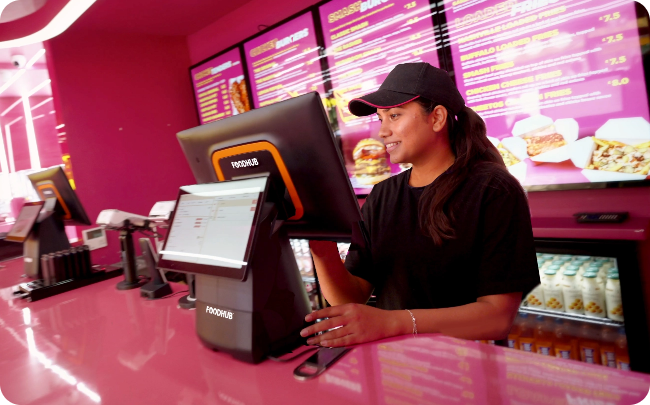
Count stock quickly and accurately.
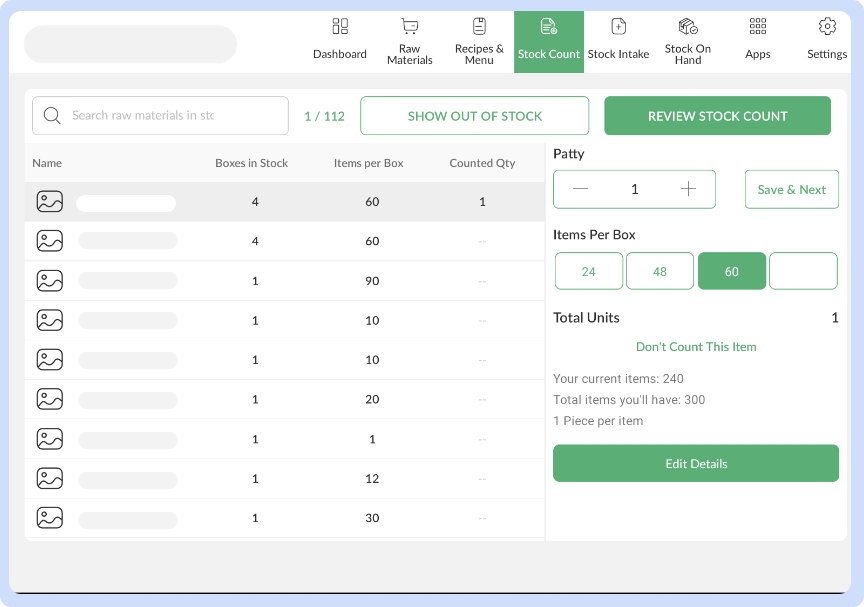
Perform stock checks with an intuitive interface that simplifies counting, reviewing, and recording quantities. Compare expected vs. actual inventory in seconds.
From front-of-house to kitchen workflows, discover powerful tools inside our EPOS that streamline every part of your restaurant business.
View All Features