POS features / Stock Intake
Inventory Management
Stock in-take
Record and verify incoming stock with precision.
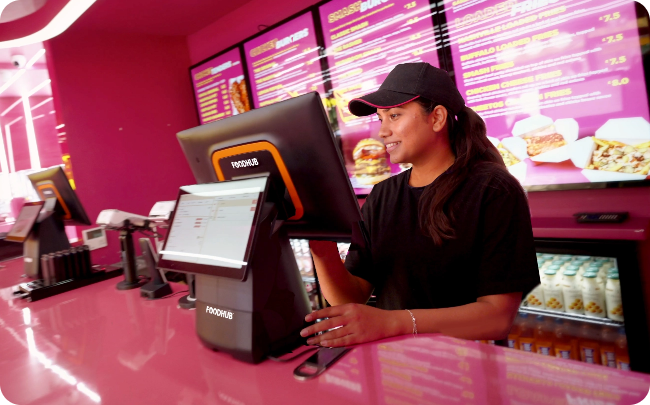
Record and verify incoming stock with precision.
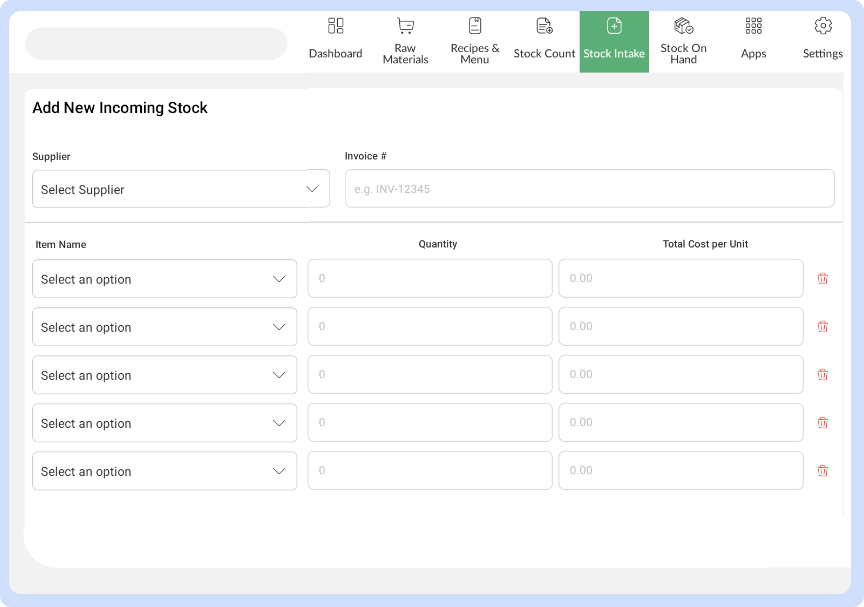
Easily log new deliveries, update quantities, and confirm supplier orders as they arrive. Ensure accuracy from the moment items enter your inventory to avoid discrepancies later.
From front-of-house to kitchen workflows, discover powerful tools inside our EPOS that streamline every part of your restaurant business.
View All Features