POS features / Stock on Hand
Inventory Management
Stock on hand
Know exactly what’s in your inventory.
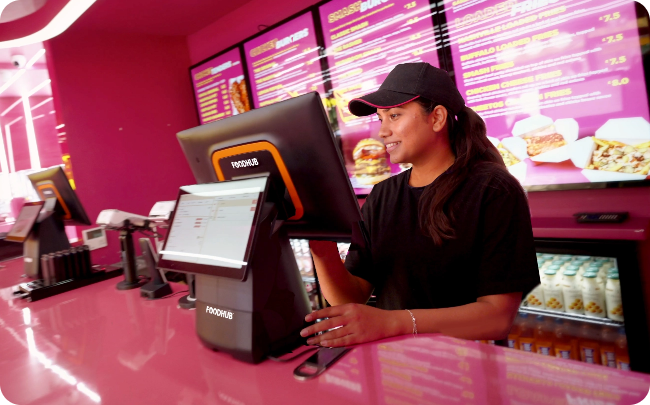
Know exactly what’s in your inventory.
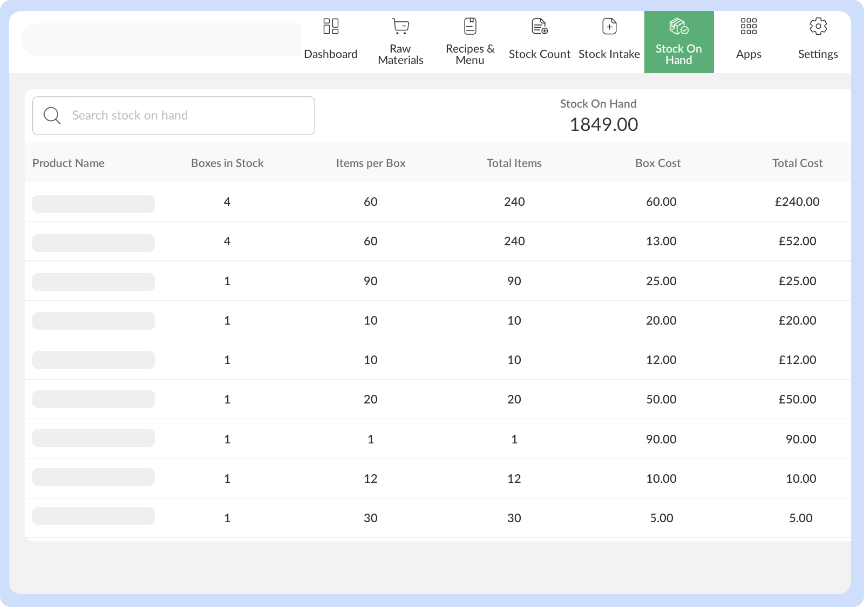
View current stock levels by item or category. Helps avoid stockouts during peak hours and keeps inventory planning on track.
From front-of-house to kitchen workflows, discover powerful tools inside our EPOS that streamline every part of your restaurant business.
View All Features