POS With Inventory Management Explained for Restaurant Owners
There’s nothing more frustrating than discovering you’ve run out of a key ingredient halfway through a busy shift. One minute, you’re selling your best-selling dish. Next, the kitchen’s telling you it’s off the menu.
That gap between what’s selling and what’s actually in stock is exactly why many restaurants are turning to a POS with inventory management.
Instead of tracking sales in one place and stock in another, a restaurant POS system that connects the two gives you real-time visibility over what’s leaving your kitchen and what’s left in storage.
Let’s break down what it actually means, how it works, and why it matters.
What is a POS With Inventory Management?
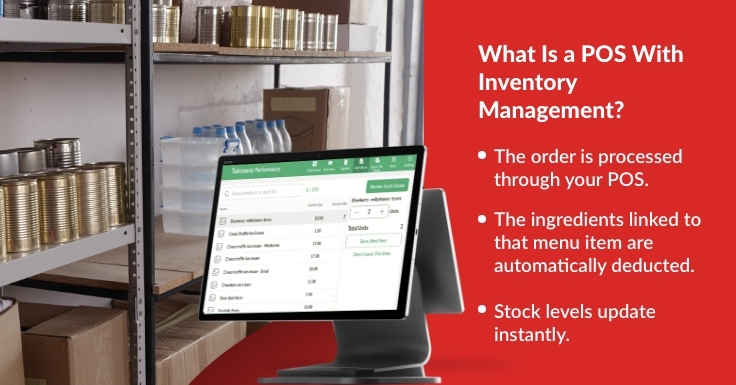
A POS with inventory management is a system that links your till directly to your stock control.
When an item is sold:
- The order is processed through your POS.
- The ingredients linked to that menu item are automatically deducted.
- Stock levels update instantly.
No manual spreadsheets. No end-of-week surprises. A POS system keeps your stock aligned with real-time sales activity.
Why Separate Systems Cause Problems
Many restaurants still operate with:
- Manual stock counts
- Standalone inventory software
- Paper-based tracking
- Delayed updates
The problem? Sales happen in real time. Stock updates often don’t.
That delay leads to:
- Over-ordering
- Food waste
- Incorrect food cost calculations
- Emergency supplier calls during service
A POS with inventory management removes that disconnect.
How It Works in Practice
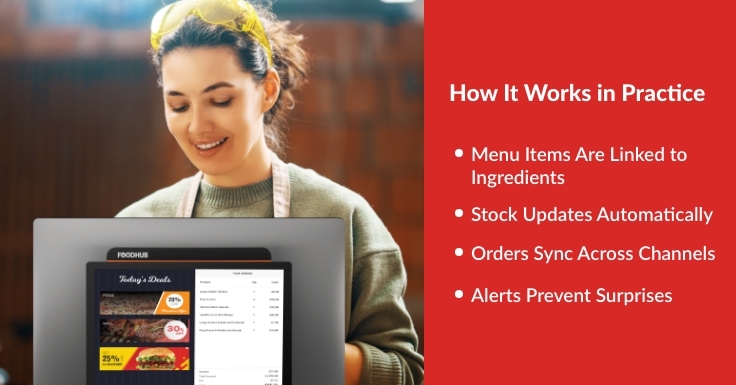
Here’s what happens behind the scenes.
1. Menu Items Are Linked to Ingredients
Each dish is mapped to specific ingredients and quantities.
For example, a chicken burger might deduct:
- 1 fillet
- 1 bun
- Sauce portion
- Salad garnish
2. Stock Updates Automatically
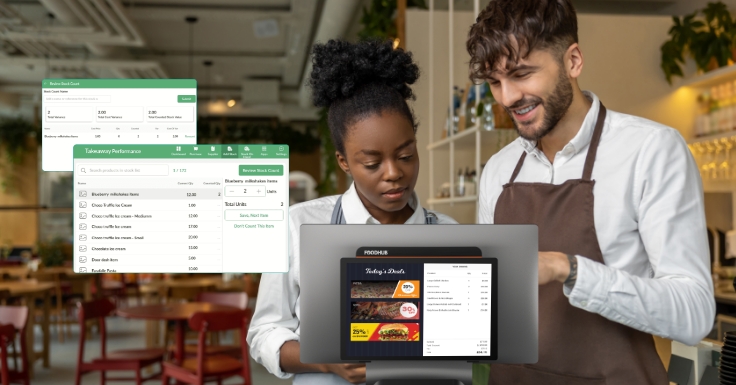
Every time the burger is sold, the system deducts those quantities from inventory instantly.
There’s no delay between a sale and a stock update. This reduces the risk of overselling items that are no longer available.
3. Orders Sync Across Channels
Whether the order comes from:
- In-store till
- Click and collect
- Delivery platform
Your POS system with inventory management updates stock immediately.
4. Alerts Prevent Surprises
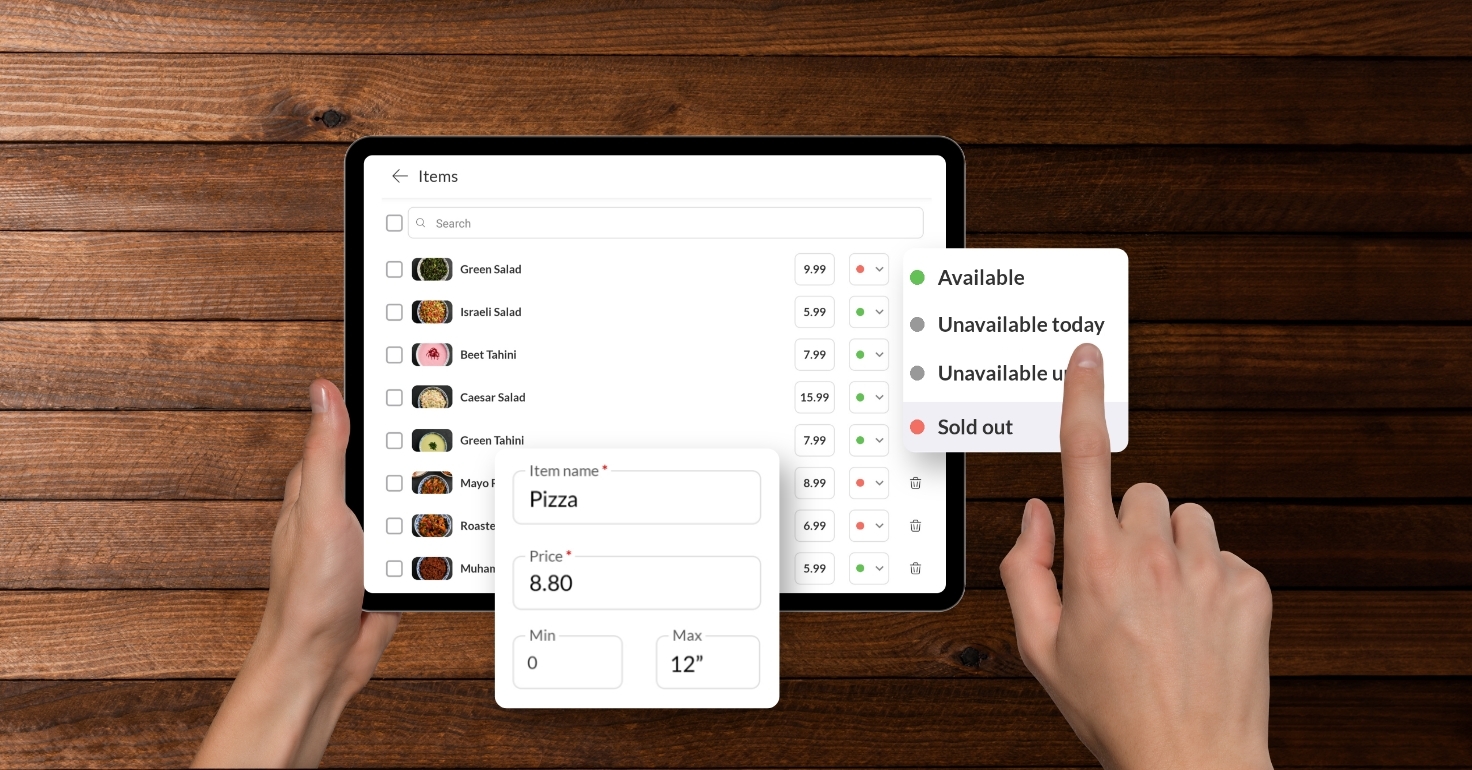
Low stock notifications help you reorder before you run out. You can set thresholds based on your usage and supplier timelines. This gives you more control over purchasing and helps avoid last-minute shortages.
Why It Matters for UK Restaurants
Food costs continue to fluctuate. Margins are tighter than ever. A POS with inventory management helps you:
1. Protect Profit Margins
Accurate ingredient tracking shows the true cost of each dish. This gives you better control over pricing and profitability. It also highlights which items deliver the best return.
2. Reduce Waste
You order based on real data, not guesswork. This helps minimise over-ordering and unused stock. Less waste means better cost efficiency across your kitchen.
3. Make Better Buying Decisions
Sales trends help forecast demand more accurately. You can plan purchases around what actually sells. This leads to smarter ordering and improved supplier management.
4. Improve Operational Confidence
You know what’s in stock at any given moment. Your team can make decisions quickly without second-guessing. This creates a smoother, more reliable service during busy periods.
Especially Important for Multi-Site Businesses
If you operate more than one location, stock control becomes more complex. A centralised POS system with inventory management allows:
- Location-level visibility
- Consolidated reporting
- Brand-wide stock oversight
- Consistent menu management
Without integration, scaling increases risk.
What to Look For in a POS With Inventory Management
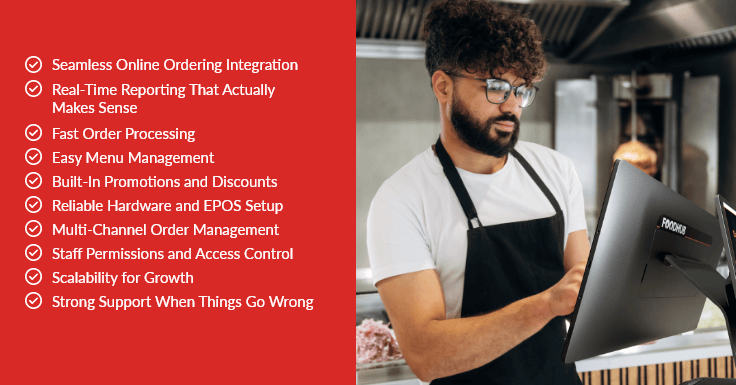
Not every system offers the same level of control. When evaluating options, look for:
- Ingredient-level tracking
- Real-time stock updates
- Online ordering integration
- Multi-location reporting
- Automated low-stock alerts
- Clear, simple dashboards
A good system should simplify your operation, not complicate it.
Is It Worth the Upgrade?
If you’re currently:
- Adjusting stock manually
- Discovering shortages during service
- Struggling with food cost accuracy
- Using disconnected systems
Then yes, it’s worth considering.
A POS with inventory management gives you visibility, control, and confidence. A modern system doesn’t just process sales. It protects your margins.
Bringing It All Together
Stock control shouldn’t feel reactive. It should feel controlled.
A POS with inventory management gives you clarity over what’s selling, what’s costing you, and what needs restocking, all in real time. And a connected POS system ensures your in-store and online sales are always aligned with your actual inventory.
For restaurant owners who want fewer surprises, tighter margins, and smoother service, integrated systems are no longer optional; they’re essential.
Ready to See It in Action?
Foodhub for Business offers a fully integrated POS system with inventory management, designed specifically for UK restaurants, takeaways, and multi-site operators. From real-time stock tracking to seamless online ordering integration, everything works together in one connected system.
If you’re looking to reduce waste, protect margins, and gain complete visibility over your operations. Book your free demo with Foodhub and see how smarter stock control can transform your restaurant.