For many restaurant and takeaway owners, the busiest hours can quickly turn chaotic. Orders come flooding in, staff are stretched thin, and a single miscommunication can throw off the entire rhythm of service. This is where a reliable restaurant POS system steps in, not just as a payment tool, but as the central nervous system that keeps everything running smoothly.
To help you understand how these systems make such a difference, we’ve compiled some frequently asked questions about how POS systems for restaurants reduce waiting times, prevent mistakes, and create a smoother experience for both staff and customers.
1. What is a Restaurant POS System?
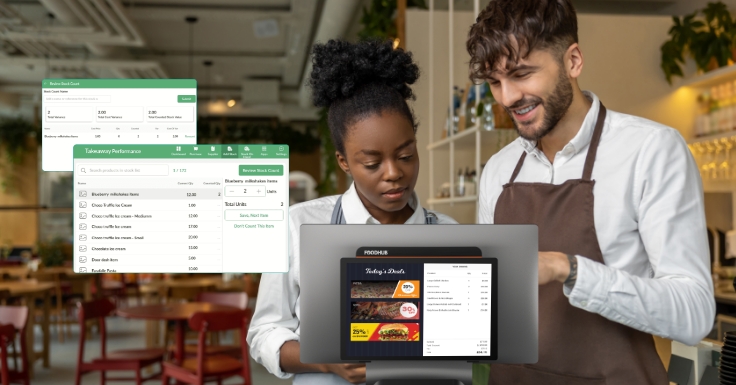
A restaurant POS system (point of sale system) is the platform where orders are placed, processed, and paid for. But modern POS technology goes far beyond that. It connects your front of house, kitchen, and online platforms, ensuring that every order is recorded accurately and processed quickly.
Whether you’re managing dine-in service, takeaway orders, or online deliveries, your POS software for restaurants helps keep track of sales, stock, and staff performance — all from one interface.
2. How Does a POS System Reduce Waiting Times for Customers?
Speed matters. According to Deliverect’s 2024 Global Restaurant Report, many diners are unlikely to return to a restaurant after experiencing slow service. That’s where a POS system makes all the difference.
Faster Order Input
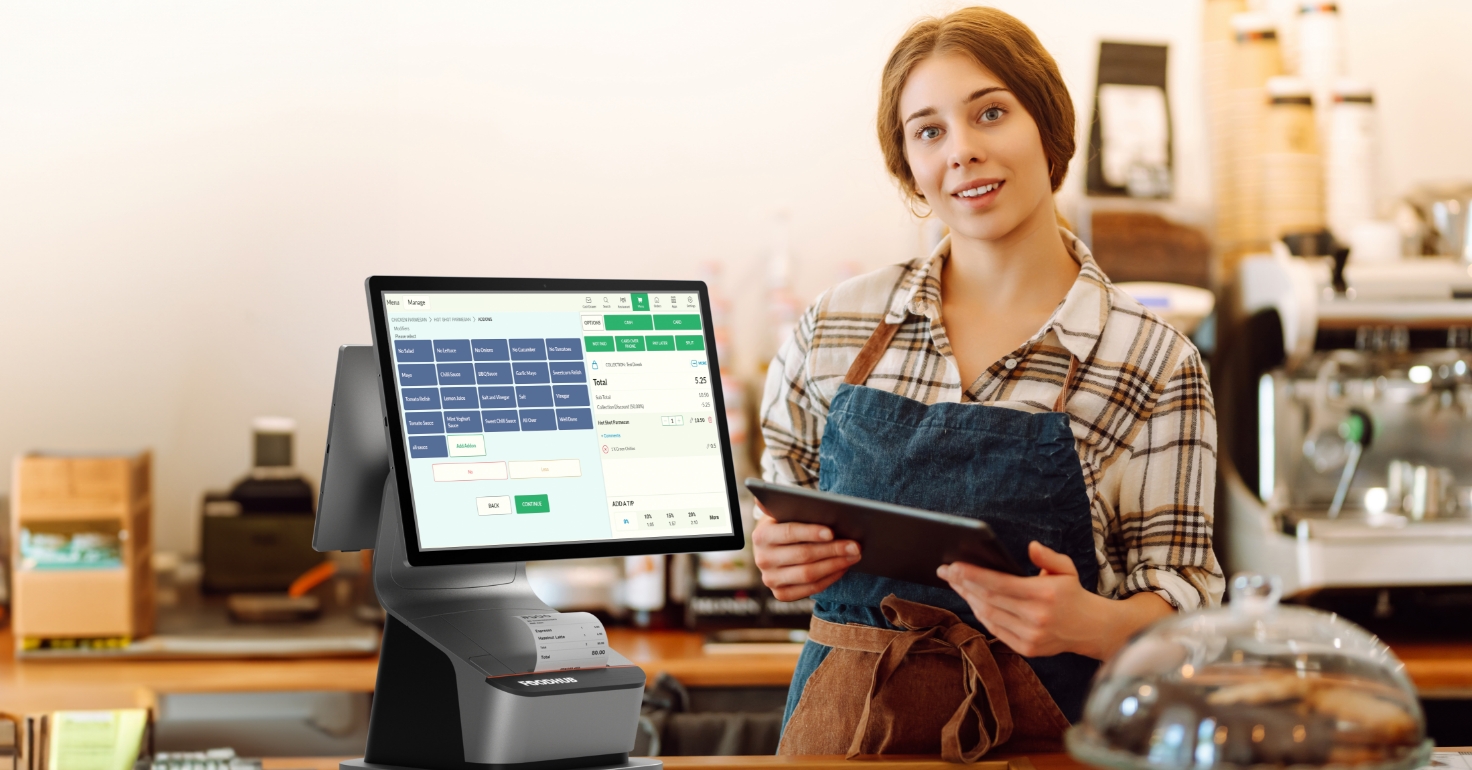
Staff can take orders directly from the table using handheld devices or tablets. This means no more running back and forth to input tickets manually.
Instant Order Routing
Orders go straight from the POS to the kitchen display system (KDS), reducing delays and miscommunication.
Integrated Payments
Customers can pay quickly at the table or counter with options like card, wallet, or Tap2Pay.
Smoother Queues
Self-service kiosks and online ordering options connected to the POS system help reduce counter congestion during peak hours.
3. How Does a POS System Reduce Human Errors?
Mistakes in orders are one of the most common reasons for customer complaints. A single incorrect dish or missed item can cost more than just the price of the meal — it can cost a loyal customer.
Here’s how a POS system for restaurants eliminates most of those errors:
Accurate Order Capture
Digital menus reduce misheard orders and automatically calculate custom requests.
Automated Communication
Orders are sent directly to kitchen printers or screens, so chefs receive clear, instant instructions.
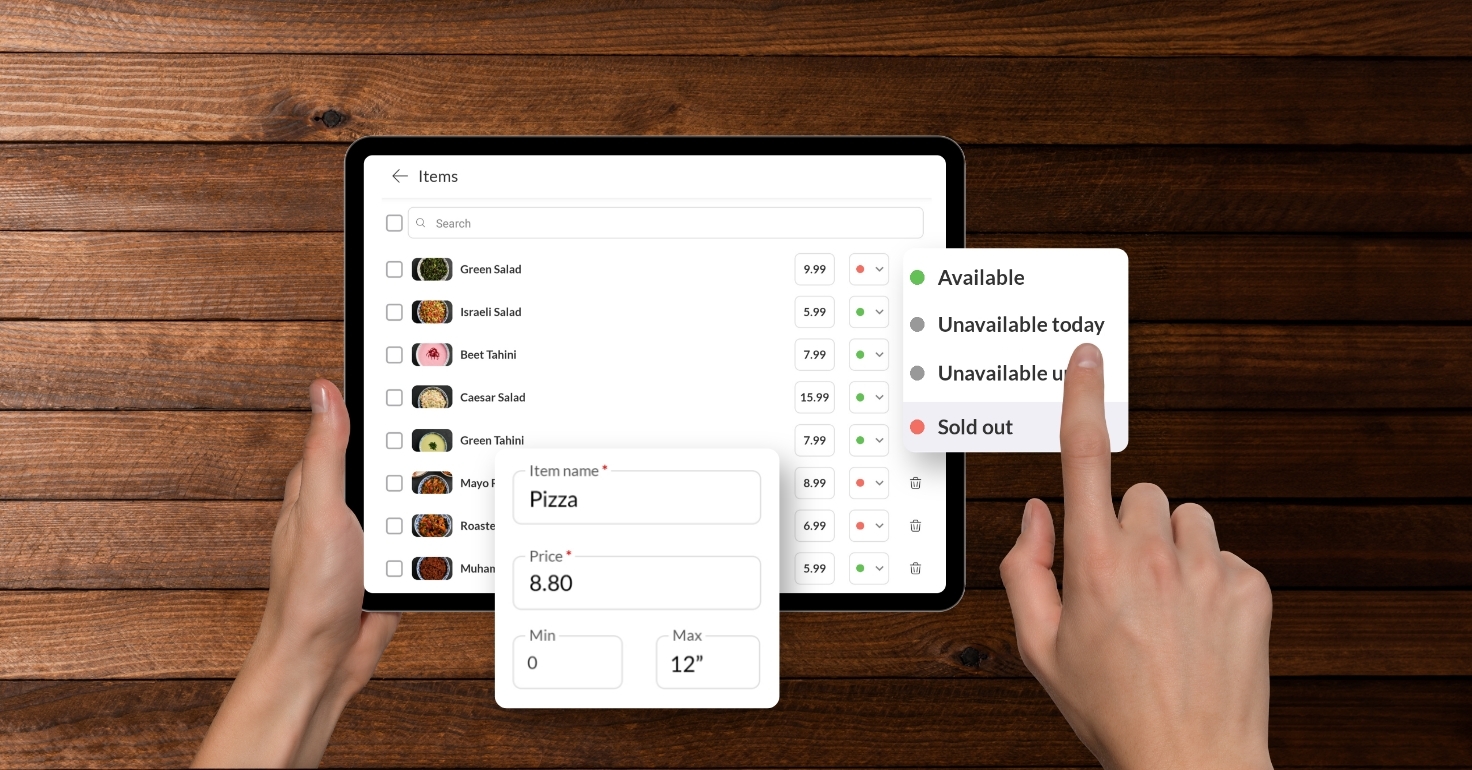
Real-Time Inventory Updates
When an item runs out, it’s automatically marked unavailable, preventing accidental sales.
Integrated Delivery Management
For takeaways, delivery instructions, addresses, and customer details sync across all platforms to avoid delivery mistakes.
4. Can a POS System Handle Both Online and In-Person Orders?
Yes — and this is one of the key benefits for modern restaurants. Today’s customers expect convenience, whether they’re ordering in person, via mobile, or through delivery apps. A modern POS system integrates with your online ordering system, meaning all channels flow into one platform.
That integration helps with:
- Centralised reporting, so you can see total sales across dine-in and delivery
- Unified menu management to update prices and items instantly
- Accurate kitchen order timing
- Automatic order tracking and notifications
This streamlined process doesn’t just save time — it gives you a single view of your operations, helping you make faster business decisions.
5. What Impact Does a POS System Have on Staff Efficiency?
When staff aren’t bogged down by manual tasks, they can focus on what truly matters — serving customers. A POS system makes that possible by simplifying tasks that would otherwise take up hours each week.
For example:
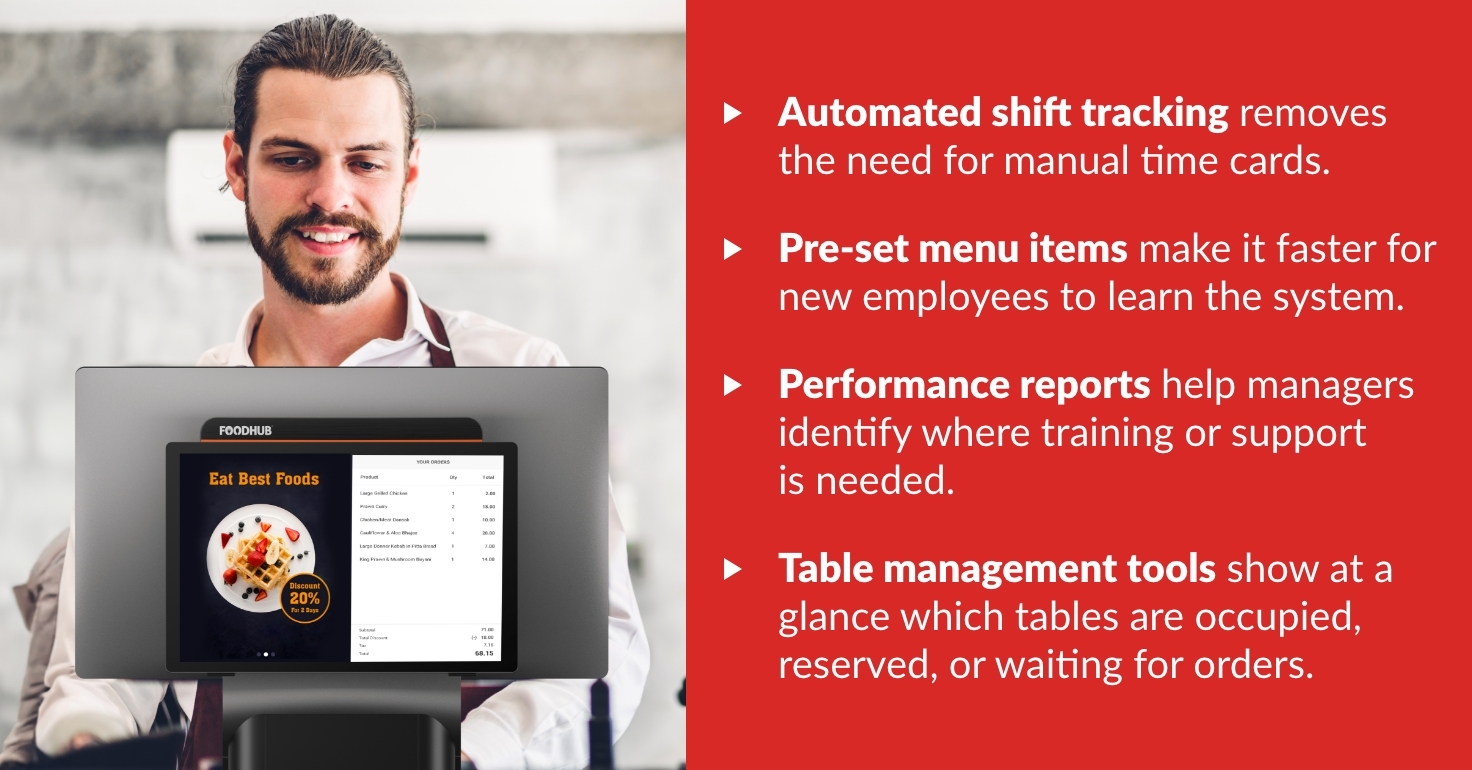
- Automated shift tracking removes the need for manual time cards.
- Pre-set menu items make it faster for new employees to learn the system.
- Performance reports help managers identify where training or support is needed.
- Table management tools show at a glance which tables are occupied, reserved, or waiting for orders.
6. How Does a POS System Improve the Customer Experience?
Customers notice when service runs smoothly. A reliable POS system enhances the experience from start to finish:
- Shorter wait times: Orders reach the kitchen instantly, meaning food arrives faster.
- Flexible payment options: Customers can pay however they like — by card, mobile wallet, or contactless.
- Accurate billing: Automated calculations mean no confusion or wrong totals.
- Loyalty integration: POS systems can track repeat customers and automatically apply rewards or discounts.
In the UK, 81% of diners say that fast and accurate service influences their decision to return to a restaurant (UK Hospitality Report, 2024).
7. How Does the POS System Connect to the Kitchen?
Your kitchen is where service efficiency is won or lost. A POS system that connects to a Kitchen display system (KDS) creates a live communication line between front of house and back of house.
Here’s how it helps:
- Orders appear instantly on kitchen screens with item details and customisations
- Timers track prep times for better coordination
- Completed orders are marked in real time, reducing confusion at collection or delivery
For takeaways and quick-service restaurants, this setup is especially valuable. It removes the risk of lost paper tickets and keeps your team synchronised during high-demand hours.
8. Can a POS System Help Reduce Queues During the Rush?
Absolutely. Integrated solutions like self service kiosks, mobile ordering apps, and Tap2Pay are all powered by the same POS network. Customers can place and pay for their orders directly, while the system instantly relays everything to the kitchen.
This not only reduces pressure on your counter staff but also makes customers feel in control.
9. What Should I Look for When Choosing the Best POS System for Restaurants?
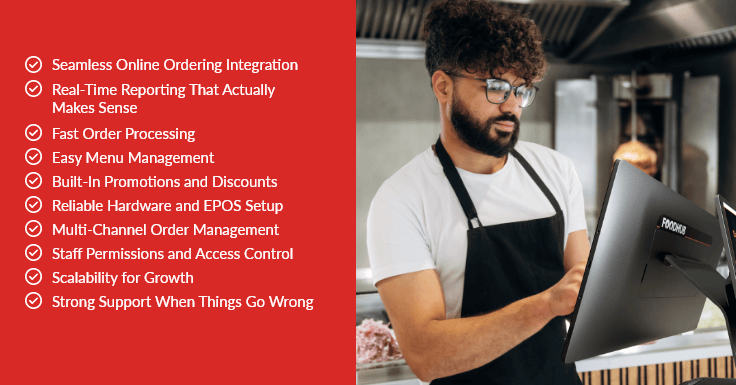
When choosing a system, make sure it includes:
- Real-time reporting
- Inventory tracking
- Integration with online ordering
- Contactless payment support
- Kitchen display compatibility
- Cloud-based data backup
- Multi-device access
A reliable POS system for restaurants should also have responsive customer support, regular software updates, and affordable pricing without hidden fees.
10. Why Foodhub POS is Built for Busy Restaurants
Unlike many providers that charge high commissions or tie you into complicated contracts, Foodhub offers fair, transparent pricing and flexible solutions tailored to your business size.
Foodhub POS system for restaurants integrates seamlessly with online ordering, kitchen display systems, Tap2Pay, kiosks, and Android POS devices. Whether you run a local takeaway or a full-service restaurant, you can manage everything from one dashboard.
With Foodhub, you get:
- Fast setup and installation
- Real-time sales insights
- Integrated payment processing
- Smooth communication between the front and back of house
- 24/7 support when you need it most
By reducing waiting times, preventing errors, and improving accuracy, Foodhub for restaurants ensures your business operates at its best, even during the busiest service rush.