How to List Your Restaurant on Google Maps and Attract More Diners
It’s Friday night, people are starving, and what’s the first thing they do? Grab their phone and type in “restaurants near me.” If your place doesn’t show up, well… you might as well be serving invisible burgers. That’s why getting your restaurant on Google Maps isn’t just a bonus, it’s a must. The best bit? Setting it up is easier than cooking instant noodles.
So, let’s walk through it step by step, and then I’ll share a few tricks to make sure diners don’t just find you, but actually end up at your tables.
Why Google Maps Matters for Restaurants
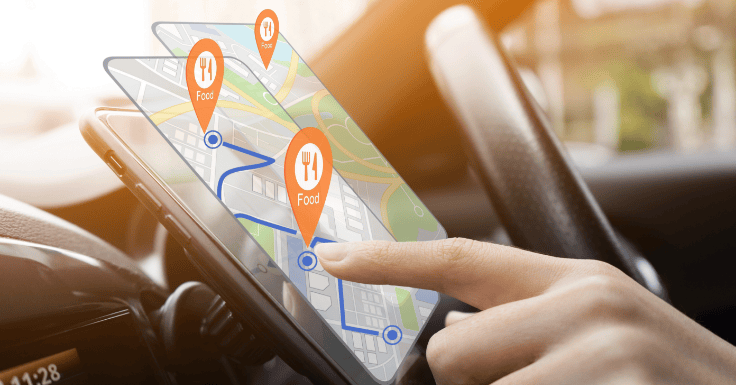
- In just the first quarter of 2025, diners carried out more than 320 million restaurant searches on Google Maps, a clear sign of how crucial the platform is for restaurant discovery.
- “Near me” searches are through the roof, and Google Maps has become the go-to tool for quick food decisions.
- A well-optimised Restaurant Google Business Profile increases walk-ins, boosts takeaway orders, and builds trust with locals.
Simply put: if you’re not on Maps, you’re missing out on customers already hungry for what you serve.
Step-By-Step: Listing Your Restaurant on Google Maps
Ready to put your restaurant on the map? Follow this comprehensive guide to list your business on Google Maps and attract more diners.
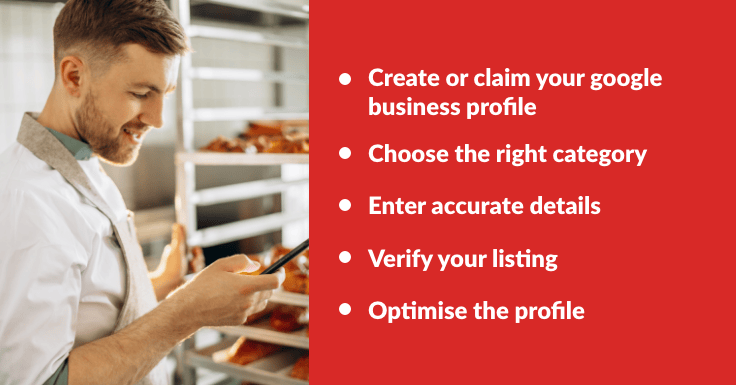
1. Create or Claim Your Google Business Profile
Head to Google Business Profile and click “Manage Now.” Search for your restaurant’s name. If it doesn’t appear, click “Add your business to Google” and follow the prompts.
2. Choose the Right Category
Pick the category that best represents your restaurant: “Restaurant,” “Pizza Restaurant,” “Indian Restaurant,” etc. Choosing correctly helps you appear in the right searches and attract the right diners.
3. Enter Accurate Details
Add your business name (matching your signage), address, phone number, website, and menu link. Don’t forget to tick services like Dine-in, Takeaway, and Delivery. Place your pin accurately on the map so no one ends up wandering around looking lost.
4. Verify Your Listing
Google requires verification via postcard, phone, email, or instant methods. Verification unlocks full control of your profile and prevents fake or duplicate listings.
5. Optimise the Profile
Here’s where you make your restaurant shine.
- Add opening hours (including holidays).
- Write a compelling description (your cuisine, style, or why locals love you).
- Upload high-quality photos of your food, interior, and team.
- Include direct links to your menu and ordering system.
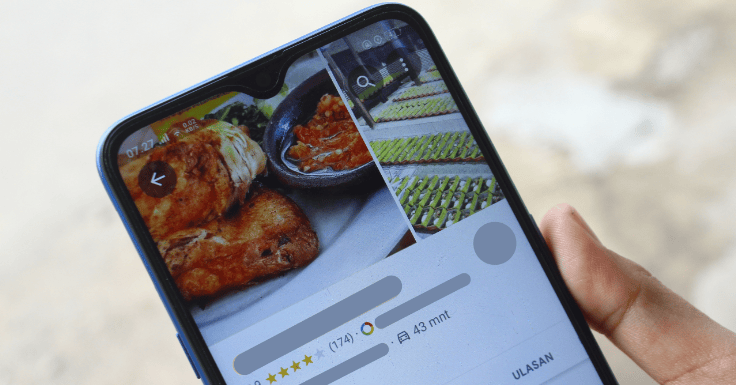
Did you know that around 77% of diners read online reviews before choosing where to eat? Even more eye-opening, 88% trust those reviews just as much as a mate’s recommendation. That’s why keeping your Google reviews positive (and replying to them) is absolutely vital.
Tips to Attract More Diners Through Google Maps
- Upload enticing photos: Showcase your best dishes and atmosphere on a regular basis.
- Encourage & respond to reviews: Customers trust reviews. Replying to them shows you care, and glowing ones can double as free marketing.
- Keep details updated: Holiday hours, menus, specials, keep them fresh. Accurate info = better rankings.
- Promote menus & links: Add menu, reservation, and order links so people can order with zero faff.
- Engage with Google posts: Share offers, new dishes, or events; these posts pop up in customer feeds and keep you front of mind.
Do these consistently, and your restaurant won’t just show up; it’ll stand out.
Common Mistakes to Avoid
- Inconsistent details across your website and profile (Name, Address, Phone).
- Ignoring reviews (especially the bad ones).
- Skipping photos or using poor-quality snaps (blurry chips won’t win anyone over).
- Forgetting to update opening times around holidays.
How Restaurant Marketing Services Can Help
Getting your restaurant listed on Google Maps is just the beginning. To truly maximise results, you need ongoing support — especially through effective digital marketing services, along with loyalty programmes and other growth strategies.
That’s where Foodhub for Business steps in. We help you send SMS and email promos, manage reviews, and keep your brand front and centre, without paying hefty commissions. Think of it as your own marketing department, just without the big salary bill.
Final Word
Google Maps isn’t just a map; it’s one of the most powerful restaurant marketing tools out there. List your business, optimise it, and keep it updated. Do that, and you’ll attract more diners, boost orders, and make sure your tables (and tills) never sit empty.
Want an extra hand with the heavy lifting? Partner with Foodhub, and we make it easy to manage your marketing, from SMS and email promos to loyalty schemes, so you can focus on serving great food while we help bring in the diners.