POS Terminal Guide for Restaurants: Choosing the Right Hardware for Daily Operations
A restaurant POS terminal has to do more than look modern on the counter. It needs to help staff enter orders accurately, send the right information to the right prep station, accept payments, and keep service moving when the restaurant is under pressure. If the hardware is awkward, unreliable, or poorly matched to the workflow, even capable software can become difficult to use.
That is why the best restaurant POS hardware decision does not begin with screen size, processor names, or a long equipment list. It begins with the way orders move through your restaurant today. This guide explains how to evaluate the essential devices, decide when additional hardware is worth adding, and compare the full cost and support behind the setup.
Executive summary
The right restaurant POS terminal is the one that fits the operation around it. Before choosing equipment, trace a real order from entry through payment, production, handoff, and reporting. Then identify where a device could remove a delay, duplicate entry, or avoidable handoff.
For most restaurants, the starting point is a fixed POS terminal, an integrated payment device, and the appropriate receipt or kitchen printing. A kitchen display system, handheld POS, self-service kiosk, or customer-facing display may improve the workflow, but only when it solves a defined operational problem. Compare durability, connectivity, compatibility, installation, training, warranty coverage, replacement procedures, and total operating cost - not just the purchase price.
What a restaurant POS terminal includes
People often use "POS terminal" to mean the entire restaurant POS system, but the terminal is only one part of it. The terminal is the physical device staff use to enter orders, review checks, and complete certain management tasks. The software controls the menus, modifiers, permissions, order routing, reporting, and other functions that appear on the screen. Payment devices, printers, cash drawers, kitchen displays, handhelds, and kiosks connect to that core setup.
The distinction matters because hardware and software cannot be evaluated separately. A fast touchscreen will not fix a confusing menu layout. Strong order-management software will still frustrate staff if printers drop tickets or payment devices require totals to be entered twice. Look at the complete workflow and confirm that every component is supported, configured, and covered by a clear service process.
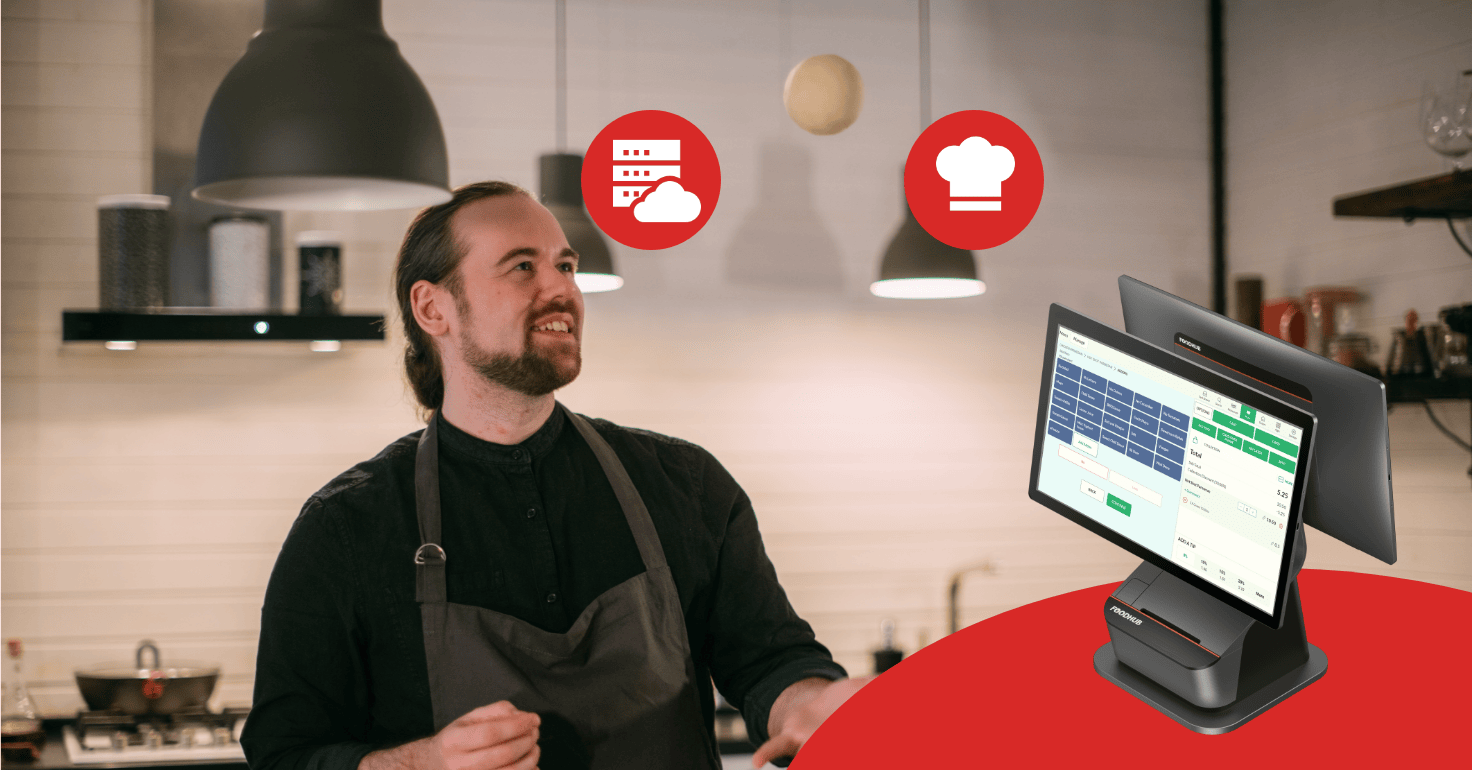
A cloud-based restaurant POS system may reduce the need for an on-site server and give owners access to reporting from other devices. That does not make every cloud system identical, and it does not mean every function continues unchanged during an outage. Ask what runs locally, what depends on internet access, how data synchronizes after service returns, and what staff should do while connectivity is limited.
Start with your restaurant workflow, not a device list
Before comparing terminals, observe a few real orders during a normal period and a rush. Follow each order from the moment it is placed until it is paid, prepared, and handed to the guest or driver. Note where staff re-enter information, wait for a device, walk to another station, ask for clarification, or switch between disconnected systems.
Use those observations to answer four practical questions:
Where are orders entered? Consider the front counter, dining room, drive-thru, phone, website, app, self-service kiosk, and third-party delivery platforms.
Where must each item go? A single printer may work for a small menu, while a multi-station kitchen may need item-level routing to separate prep areas.
Where and how do guests pay? Counter payment, tableside payment, online checkout, cash, contactless cards, and split checks create different device requirements.
What happens when something fails? Staff need a clear process for an internet interruption, dead handheld battery, printer problem, or damaged payment terminal.
This exercise prevents two expensive mistakes: buying equipment because it appears on a standard package, and choosing the least expensive package only to discover that it cannot support the restaurant's busiest workflow. It also helps a provider recommend a setup around actual business needs instead of assumptions.
Core restaurant POS hardware for daily service
Most restaurants need a small group of dependable devices before they consider advanced options. Foodhub's current restaurant POS hardware range includes fixed POS systems, payment terminals, kiosks, kitchen displays, handheld devices, and accessories, but the right combination depends on service style, volume, layout, and existing equipment.
The main fixed POS terminal
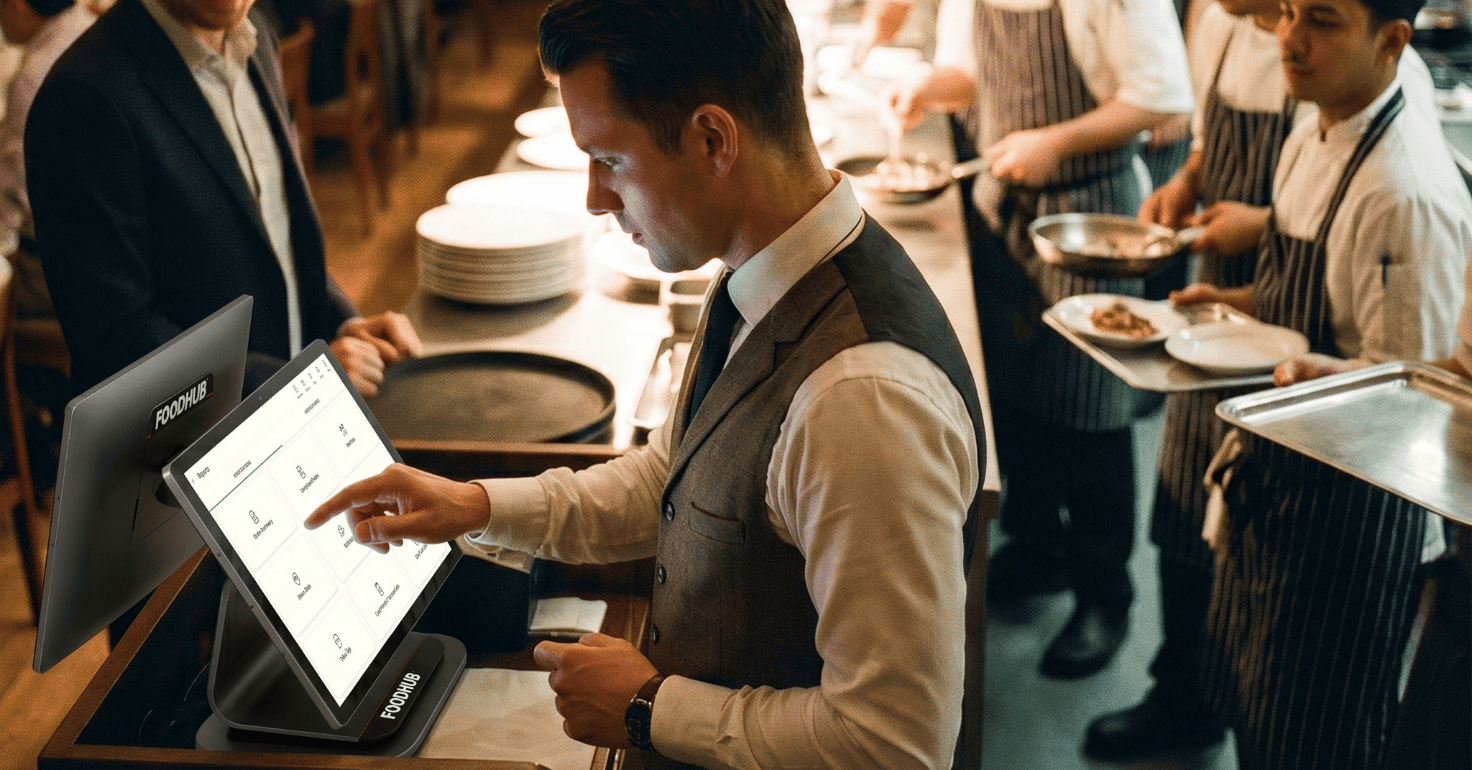
The fixed terminal is usually the primary order-entry and checkout station. It should be responsive, readable under the restaurant's lighting, and easy to position without blocking staff or guest movement. Test the interface with a realistic order containing modifiers, discounts, a void, and more than one payment type. A simple transaction demo may hide the steps that create delays during service.
Placement matters as much as the device itself. A terminal near heat, steam, grease, flour, or frequent spills needs different protection from one in a dry host area. An equipment IP rating can help describe resistance to dust and water, but the number should be interpreted for the exact installation location. Ask the provider what the device is designed to withstand and whether environmental damage is covered by the warranty.
Integrated payment terminals
An integrated payment terminal receives the check amount from the POS, which avoids manually keying the total into a separate device. That can reduce a common source of errors and make reconciliation easier. Confirm which payment methods the device accepts, how tips and refunds work, whether it supports the restaurant's service model, and what connectivity it uses.
Security is not just a specification printed on the box. Payment terminals are within the cardholder data environment, and the PCI Security Standards Council explains that the controls required can depend on the device and configuration. Ask who configures the terminal, how updates are handled, what staff should check for signs of tampering, and whom to contact if a device is lost or damaged. Foodhub's current payment terminal options can be reviewed alongside the POS workflow rather than as a separate purchase.
Receipt and kitchen printers
Thermal printers are common at the front counter because they print quickly and do not require ink ribbons. Kitchens often use impact printers where heat can darken thermal paper or where the sound of a ticket helps alert staff. The correct choice depends on the station, ventilation, heat, grease, paper requirements, and whether a digital kitchen workflow is also in use.
Do not stop at printer type. Confirm how orders are routed, what happens when a printer is offline, whether reprints are clearly marked, and how staff know that a ticket failed. If one printer handles several production areas, watch for bottlenecks and tickets that must be carried or verbally relayed.
Cash drawers and accessories
If the restaurant accepts cash, choose a drawer built for the expected transaction volume with appropriate bill and coin compartments. Confirm how it opens, which roles can trigger it, and how shifts are assigned and reconciled. A locking drawer helps, but permissions, cash-handling procedures, and placement are equally important.
Accessories such as stands, wall mounts, barcode scanners, bump bars, and cable covers should support the layout rather than create clutter. Check every connector and mounting point before installation. An inexpensive adapter can become a single point of failure if it is loose, exposed to spills, or difficult to replace.
When additional hardware earns its place
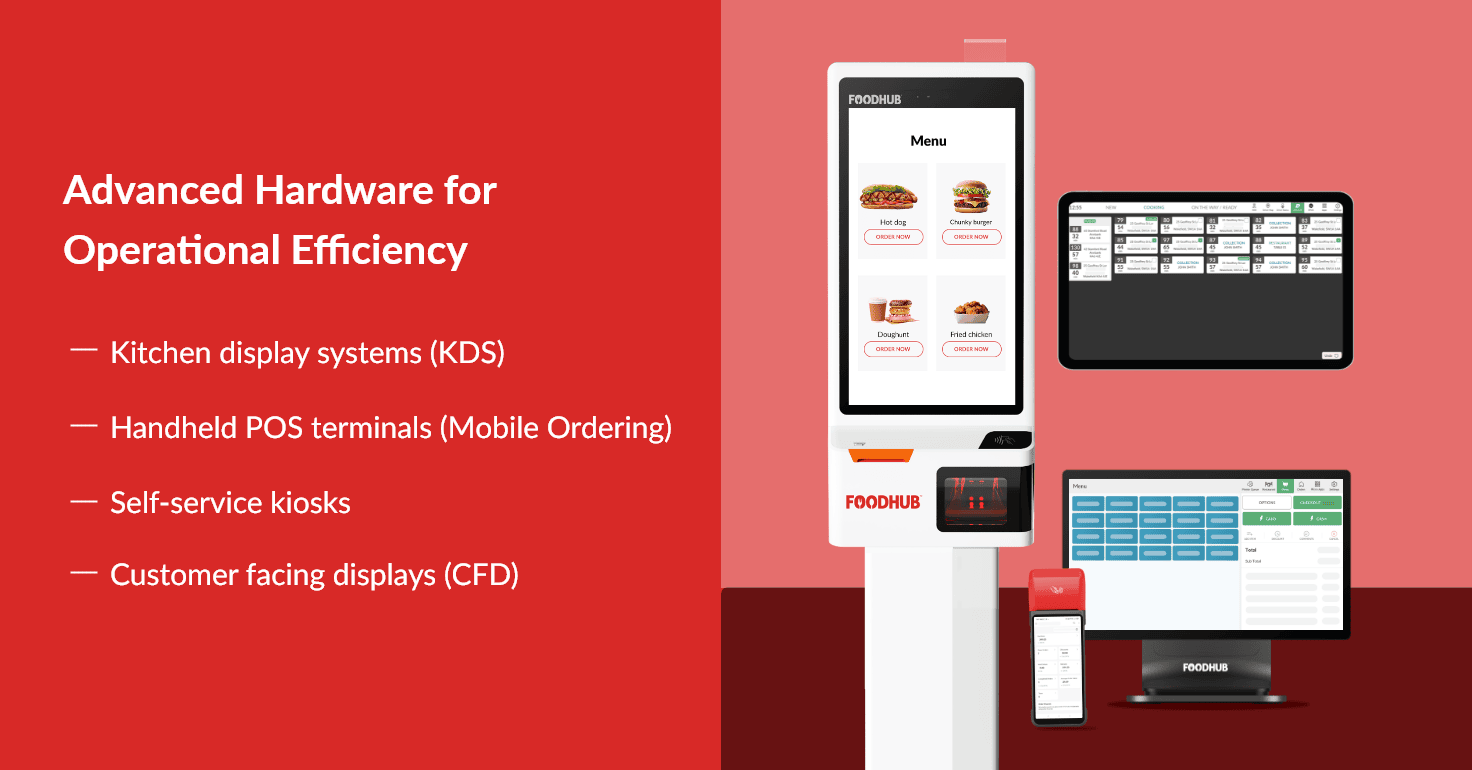
Additional hardware is worthwhile when it reduces a specific source of friction. It should remove a handoff, shorten staff travel, improve order visibility, or give guests another workable way to order. Adding devices without changing the surrounding process can simply move the problem to a different screen.
Kitchen display systems
A kitchen display system (KDS) can replace or supplement printed tickets with digital order views. It is particularly useful when the kitchen has multiple stations, several order channels, or a need to monitor preparation status. Test how modifiers, allergen notes, rush orders, voids, and changes appear. Staff must be able to recognize priorities quickly without opening multiple screens.
Decide whether staff will use touchscreens, bump bars, or both. Consider screen visibility, mounting, heat exposure, cleaning, and the path cooks take while working. Reporting on preparation time can reveal patterns, but the metric is only useful when the team understands when an order is started and completed.
Handheld POS devices
A handheld POS can let servers enter orders or accept payment away from a fixed station. In full-service restaurants, that may reduce walking and get orders to the kitchen sooner. In quick-service settings, a handheld may support order taking away from the main counter during a rush.
Test battery life under a real shift pattern rather than relying only on a published maximum. Review charging routines, Wi-Fi coverage, drop resistance, screen readability, login security, and what happens when a device is misplaced. A handheld only saves time when the menu is easy to use on the smaller screen and the network remains dependable where staff carry it.
Self-service kiosks
A self-ordering kiosk can give guests time to browse, customize, and pay while reducing pressure on the main counter. The decision should account for menu complexity, guest needs, available floor space, payment placement, cleaning, and how staff assist when a customer has a question.
Accessibility belongs in the planning stage. The U.S. Access Board's work on self-service transaction machines highlights considerations such as clear floor space, reach range, operable parts, privacy, and display screens. Operators should evaluate applicable requirements with qualified advisors and make sure the kiosk does not become the only workable ordering path for some guests.
Customer-facing displays
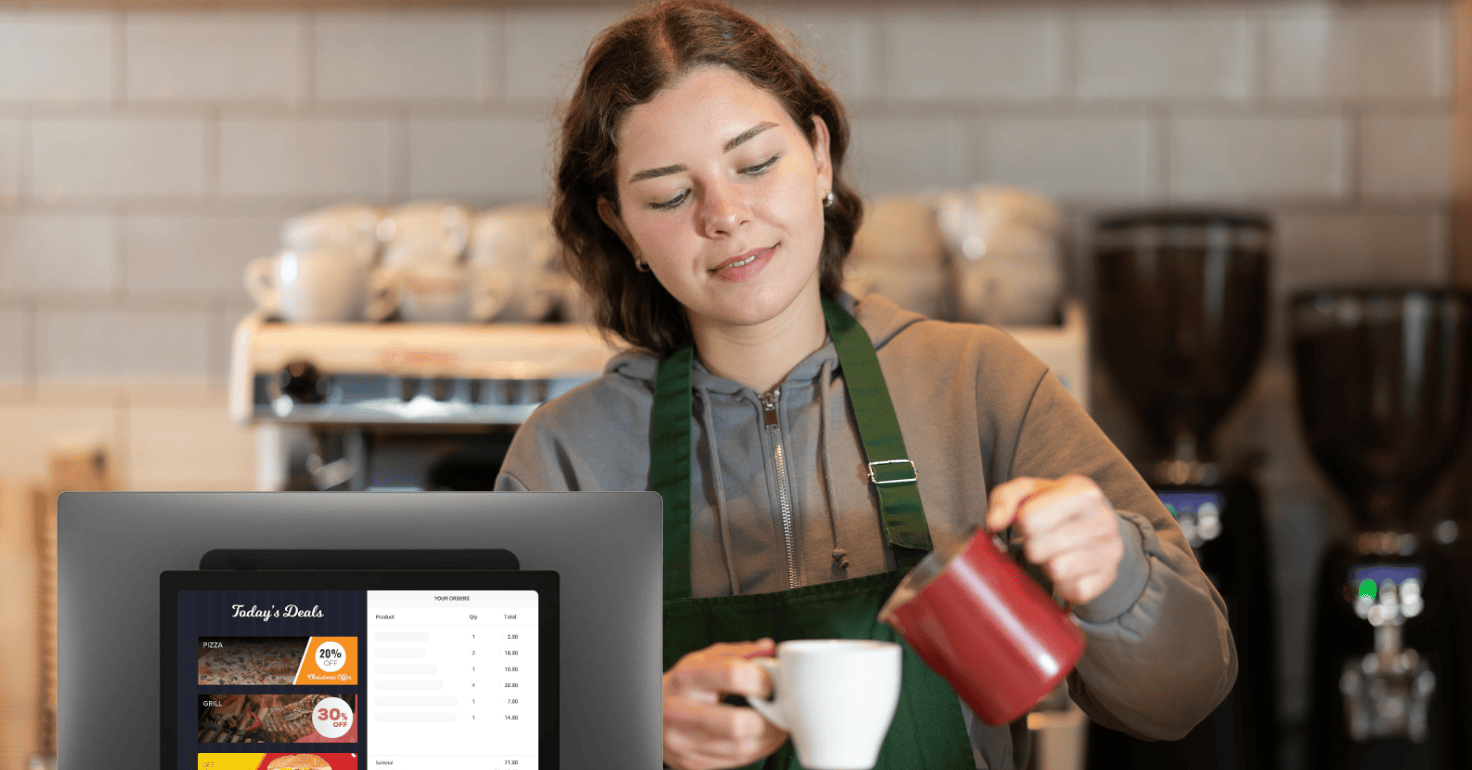
A customer-facing display lets guests review items, prices, taxes, discounts, and the total before payment. That visibility can help staff catch an order-entry problem while it is still easy to correct. When the screen is idle, some systems can present approved menu or promotional content; Foodhub's digital display options show how customer views and other restaurant screens can fit into a connected setup.
Keep the transaction function first. Text must be readable from the guest's position, sensitive information should not be exposed, and promotional content should never make the payment steps confusing.
Match the hardware to your restaurant concept
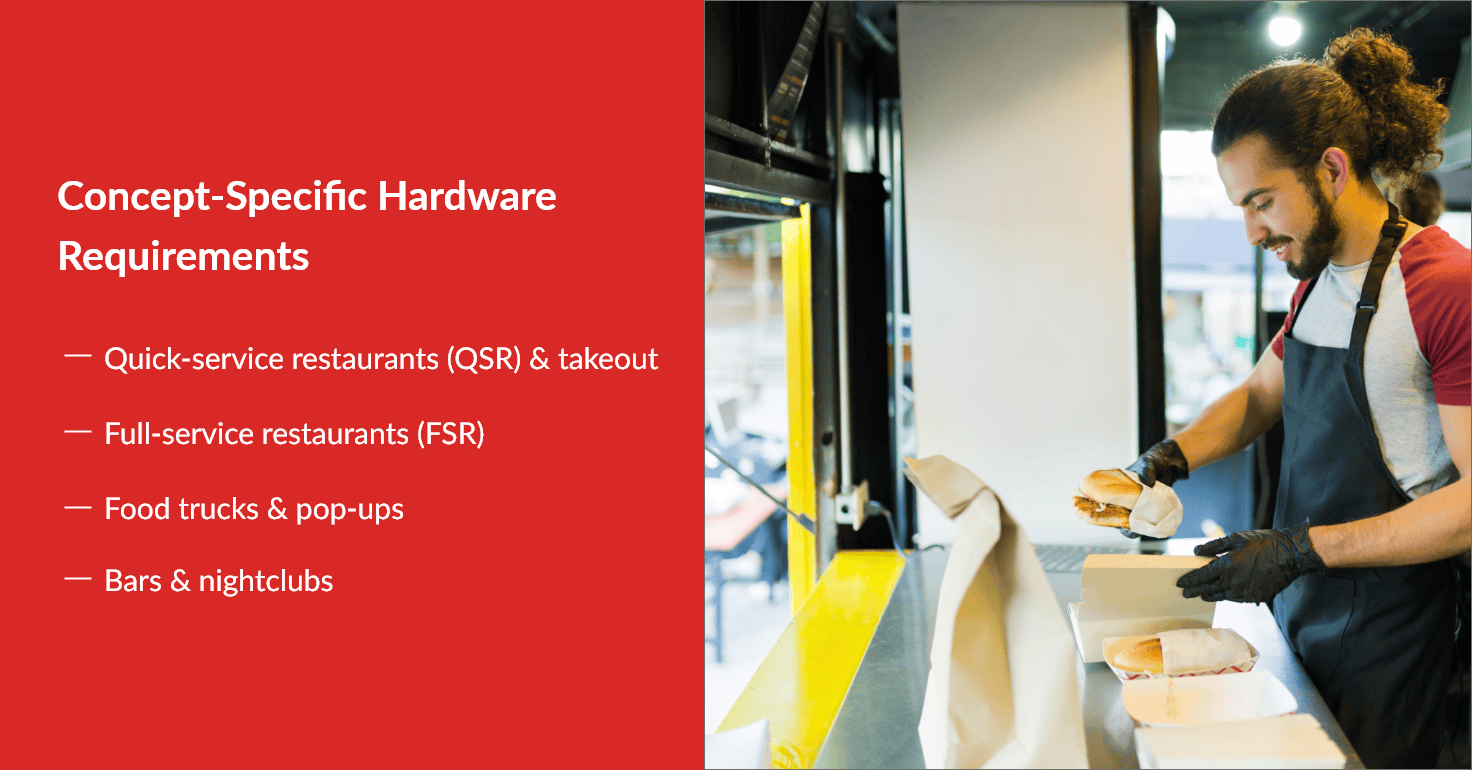
Concept labels are a starting point, not a substitute for observing the restaurant. Two pizzerias can have very different needs if one is counter-service and delivery-heavy while the other offers full table service. Still, common patterns can help narrow the initial equipment list.
Quick-service and takeout restaurants
Prioritize rapid order entry, clear modifier handling, integrated payments, and dependable kitchen routing. A customer-facing display may help with order confirmation, while a KDS or station printers can keep production organized. If the restaurant receives orders from several digital sources, review online-ordering and POS integrations to understand which channels can connect and which tasks still require separate management.
Cafes and fast-casual concepts
Counter space, menu customization, and fast payment are often central. Test common modifier-heavy orders and make sure the screen does not force staff through unnecessary steps. A compact kiosk or handheld may help at certain periods, but only if drinks and food still reach the correct stations without creating congestion at pickup.
Full-service restaurants
Fixed terminals, handhelds, and tableside payment can reduce staff travel, but confirm that the complete system supports table management, seat positions, coursing, split checks, tips, refunds, and the restaurant's closing procedures. Hardware cannot compensate for missing software functions. Run a realistic table from opening through payment before committing.
Food trucks and pop-ups
Portability, power, wireless connectivity, heat, vibration, and storage deserve extra attention. Confirm how the payment device connects, what the system can do with limited service, and how equipment will be secured while traveling. Fewer devices may be better when space is tight, provided the all-in-one unit does not create an unacceptable single point of failure.
Bars and nightlife venues
Low-light visibility, spill exposure, fast tab access, tip workflows, and payment preauthorization may be essential. Ask the provider to demonstrate the exact bar workflow, including starting and closing tabs, transferring checks, splitting payments, shift changes, and end-of-night reconciliation. If those functions are critical, verify them before treating rugged hardware as proof that the system is a fit.
Technical questions that matter in a working restaurant
Restaurant operators do not need to become hardware engineers. They do need answers tied to daily use. Instead of comparing processor or memory numbers in isolation, ask the provider to demonstrate performance with your approximate menu size, modifier depth, connected devices, and order volume.
Use these questions during the hardware review:
Performance: Can the terminal handle a realistic customized order while online orders, reports, and kitchen routing are active?
Connectivity: Does it support wired Ethernet, secured Wi-Fi, or cellular service where needed? Which connection is primary, and what is the backup?
Offline behavior: Can staff enter orders, print tickets, or accept payments during an outage? What is restricted, and how does information synchronize afterward?
Compatibility: Which printers, drawers, displays, scanners, and payment devices are certified or supported? Can any existing equipment be reused?
Physical environment: Is the device suitable for the heat, moisture, grease, dust, impact, and cleaning routine at its station?
Replacement: Is advance replacement available? How quickly can a configured unit arrive, and is a spare device recommended?
Updates: Who installs operating-system, application, firmware, and security updates? Can updates be scheduled outside service hours?
A clear answer should describe both the capability and the operating process. "Offline mode available" is less useful than knowing exactly what the cashier sees, what payments can be completed, and what the manager must check after connectivity returns.
Commercial-grade or consumer-grade hardware?
Commercial equipment is designed around repeated use, mounting, peripheral connections, cable management, and support in a business environment. Consumer tablets can still be appropriate in lower-risk locations or as portable devices, especially when the provider supports the exact model and the restaurant has a protective case, secure stand, charging process, and replacement plan.
Avoid a blanket rule. Compare the total role of the device. A fixed terminal near a hot production area may justify a commercial build. A manager's reporting tablet may not need the same protection. What matters is whether the equipment is supported for the intended use, can connect without fragile workarounds, and can be replaced without disrupting service.
Plan installation, connectivity, security, and maintenance
Hardware problems often begin with the installation around the device. Map power outlets, network drops, Wi-Fi coverage, printer locations, cable paths, wall mounts, counter openings, and guest movement before equipment arrives. Keep cables away from heat, water, sharp edges, and cleaning traffic. Label both ends so staff or support can identify a connection without unplugging several devices.
Separate guest Wi-Fi from the business network and change default credentials. The Federal Trade Commission's Cybersecurity for Small Business guidance recommends steps such as updating software, using strong authentication, securing wireless networks, controlling device access, and maintaining an inventory of hardware and software. Work with the POS, payment, and network providers to define who owns each task.
The PCI Security Standards Council's merchant guidance also recommends approved payment devices and software, protected wireless networks, strong passwords, employee training, and regular checks for rogue software or skimming devices. Keep a current device list, restrict unplanned repairs, and tell staff whom to contact if a terminal looks different or behaves unexpectedly.
For maintenance, follow each manufacturer's instructions. Use approved cleaners, keep vents and printer areas clear, inspect cords and mounts, and replace worn supplies before a busy period. Schedule a brief monthly check of devices, software versions, network equipment, spare supplies, and support contacts. The purpose is not to eliminate every failure; it is to make routine issues faster to recognize and recover from.
Before launch, run a full test that includes an in-person order, an online order, modifiers, a void, a refund, cash, card, kitchen routing, a reprint, staff permissions, and end-of-day reporting. Train staff on normal use and the short fallback process for each essential device.
Compare total operating cost, not just purchase price
The hardware quote is only one part of the restaurant's cost. Include software subscriptions, payment processing, installation, menu configuration, training, network work, accessories, paper and ribbons, warranties, support, replacement shipping, financing charges, and the cost of adding another station or location.
Buying equipment may require more cash upfront but reduce financing cost. Leasing or hardware-as-a-service may preserve cash and simplify replacement, yet the contract term, ownership, return conditions, early termination, and upgrade rules can change the long-term value. Ask for all costs in writing across the period you expect to use the system.
Estimate operational value cautiously. Time a current task - such as entering a common order, closing a check, reconciling a shift, or re-entering an online order - and compare it with the proposed workflow. Multiply only improvements you can reasonably document. The restaurant POS buying guide provides a broader framework for comparing pricing, payments, implementation, and long-term flexibility.
Build a phased hardware plan
Not every restaurant needs to replace every device on day one. If compatible equipment can remain in place, a phased transition may lower disruption and give the team time to validate the core workflow. Begin with the devices required for stable order entry, payment, and kitchen communication. Add a kiosk, handhelds, or additional displays after the first setup is working and the operational need is clear.
Ask the provider to document what can work with the existing setup, what must change, and which future additions are supported. Also confirm whether menus, reports, payment devices, and integrations can be managed consistently as locations or order channels are added. Flexibility is more valuable than buying unused capacity in advance.
Restaurant POS hardware buyer's checklist
Use this checklist to compare proposals on the same basis:
The setup has been mapped to real order, payment, kitchen, and closing workflows.
Every required software function has been demonstrated on the proposed hardware.
Device placement accounts for heat, grease, moisture, lighting, cleaning, and traffic.
Internet-dependent and offline functions are documented clearly.
Existing hardware compatibility has been confirmed by model and connection type.
Payment devices and responsibilities for PCI DSS compliance have been reviewed.
Installation, menu setup, testing, training, and go-live support are included or priced.
Warranty, repair, replacement, and support response procedures are in writing.
The quote includes subscriptions, processing, accessories, supplies, financing, and expansion.
Staff have a short fallback plan for each device that could interrupt service.
Choose hardware around the work it needs to support
A restaurant POS terminal should make daily service easier to manage, not add another layer of technology for staff to work around. Start with the workflow, choose the fewest devices that support it reliably, and confirm how the whole setup behaves during the moments that matter most: the rush, an order change, a payment issue, an outage, and the end-of-day close.
Still comparing restaurant POS systems?
Compare restaurant POS systems side by side to evaluate operational flexibility, ordering workflows, integrations, pricing structure, and long-term fit before choosing a provider.
Foodhub brings POS, payments, online ordering, kitchen tools, and restaurant management capabilities into a connected platform while supporting a practical transition around compatible parts of your current operation. Tools such as My Business Hub can also provide access to orders, payments, reporting, and selected management tasks beyond the main terminal.
Speak with the Foodhub team today
Talk with the team about your service model, existing hardware, ordering channels, and the points where staff lose time. Foodhub can help you assess which setup may be the right fit and what a lower-disruption transition could look like. Speak with our team.