
Why Restaurants Feel Buried in Tools (And How to Simplify)
Restaurant technology is supposed to take work off your plate. Yet many owners finish a busy shift checking several tablets, fixing missed menu updates, comparing reports, and calling different vendors to solve one problem. Each tool may be useful on its own. The trouble starts when the tools do not support one clear way of working.
This is not a reason to avoid technology. It is a reason to be more deliberate about it. The 2025 Restaurant Technology Outlook, based on a survey of more than 550 restaurant operators, found that integration challenges and data concerns were gaining attention as operators continued to invest in technology. The lesson is simple: more restaurant software does not automatically create a better operation. The tools have to work together in a way that makes sense during a real shift.
The goal is not to chase an “all-in-one” label or replace every system at once. It is to reduce unnecessary steps, connect the ordering channels that matter, and give staff a clear place to work. Here is how tool overload develops, what it costs, and how to simplify without creating a new round of disruption.
Why restaurant technology becomes hard to manage
Restaurant tool overload rarely happens because an owner made one bad decision. It usually builds a little at a time.
Each new channel brings another system
A restaurant adds a delivery marketplace to reach more customers. Then it adds an online ordering system for direct orders, a loyalty program, a scheduling app, and a separate reporting tool. Each addition solves a real need, but it may also bring another tablet, printer, login, bill, or support contact.
The burden is easy to miss because no single addition feels unmanageable. Months later, the team may be checking several screens and using workarounds that no one planned.
Tools are chosen one problem at a time
Most restaurant tools are bought to fix one specific issue. An inventory app may be selected without checking how it shares data with the POS. A delivery service may be added without deciding how its orders will reach the kitchen. A marketing platform may collect customer data that cannot be matched to order history.
When each decision is made in isolation, the restaurant ends up with a patchwork system. Staff bridge the gaps by retyping information, checking two dashboards, or keeping their own spreadsheet.
Growth exposes weak handoffs
A manual step may seem harmless at 20 orders a day. At 200 orders, the same step becomes a bottleneck. More volume means more chances to miss a modifier, forget a menu change, delay an order, or lose track of which system has the latest information.
Growth does not always mean you need another tool. It may mean the tools you already have need a clearer workflow.
Signs your restaurant has too many disconnected tools
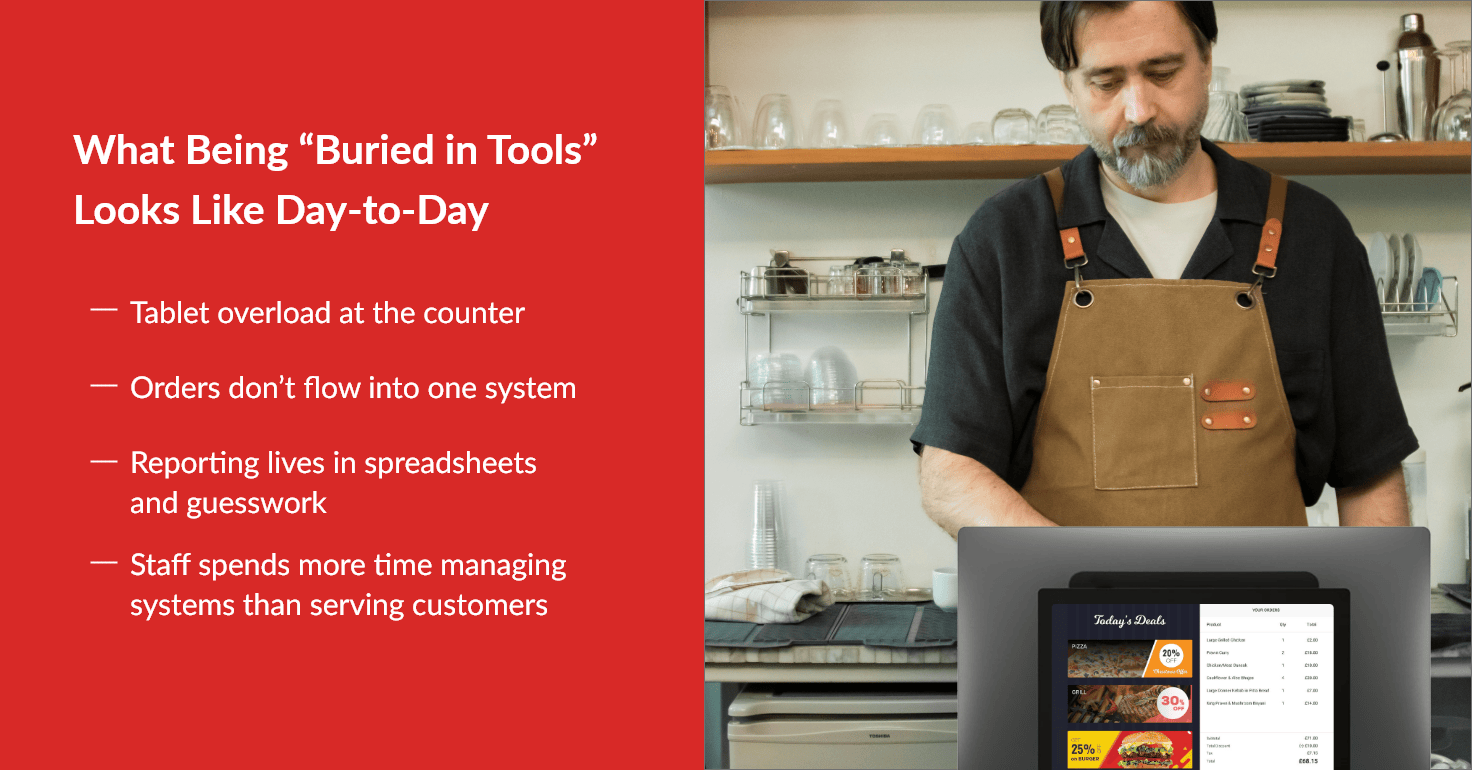
Tool overload often shows up during the busiest part of the day. Look for these signs:
Multiple tablets or printers compete for attention. Staff must stop, identify the source of an alert, and decide what to do next.
The same order is entered more than once. An online or marketplace order appears on one device and must be typed into the POS or kitchen system.
Menus and item availability fall out of sync. A price or sold-out item is updated in one channel but missed in another.
Reports do not tell the same story. Sales, payments, refunds, order sources, and fees live in separate dashboards or spreadsheets.
New employees learn apps instead of one workflow. Training becomes a tour of passwords and workarounds rather than a clear order process.
Support becomes “vendor ping-pong.” One provider blames another system, leaving the restaurant to coordinate the fix.
One or two separate systems are not automatically a problem. A specialized tool can be valuable when it has a clear purpose. The warning sign is the amount of manual work needed to keep everything aligned.
The operational cost of tool overload
The obvious cost is the combined monthly bill. The larger cost can be the time, attention, and uncertainty created by disconnected restaurant software.
More steps create more chances for delay
Every handoff adds work. Someone accepts an order on one screen, enters it on another, checks a printer, and tells the kitchen about a change. During a rush, those steps compete with food preparation and customer service. A missed handoff can become a late order, a remake, a refund, or a poor experience.
Complexity makes work harder to learn
Staff need to know which screen controls each task, what to do when systems disagree, and who can fix a problem. That increases training time and makes new employees more dependent on experienced staff. It also adds mental strain during busy service.
Scattered information weakens decisions
If online orders, in-store sales, menu performance, payments, and refunds sit in different places, managers spend more time assembling the picture. Even then, they may not be comparing the same dates, definitions, or order statuses. Clear reporting does not remove the need for judgment, but it gives operators a more reliable starting point.
Overlap can hide the true cost of the stack
Restaurants may pay for similar features in more than one system. They may also carry costs that do not appear on the software invoice, such as staff time spent on manual entry, extra devices, support calls, training, and reconciliation. This is why it helps to compare the total operational cost of a setup, not just the price of one product.
What a simpler tech stack looks like
Simplification does not mean forcing every restaurant into the same setup. It also does not mean removing every specialized tool. A simple stack has clear roles, fewer manual handoffs, and one dependable flow from the customer’s order to the kitchen and the final report.
In practice, that usually means:
Staff know where every order will appear.
Menu, price, and availability changes reach the right channels.
Order details move without being retyped whenever possible.
Managers can review the information they need without building a report by hand.
Each vendor has a clear responsibility when support is needed.
New employees can learn the process in a logical order.
The best measure of simplicity is not the number of features on a sales sheet. It is how easily the team can complete core tasks during a busy shift.
Before adding or replacing a tool, ask four questions:
What exact problem will this solve?
Where will it fit in the current workflow?
What manual step will it remove or reduce?
What will staff have to learn, monitor, or maintain?
If those answers are unclear, the tool may add more complexity than value.
It also helps to define what “better” should look like before making a change. Choose a few practical measures, such as the number of times an order is re-entered, the time needed to update a menu, the number of screens staff watch during a rush, or the time required to close out the day. Ask the people who use the systems where they lose time and where mistakes are most likely. Their answers can reveal friction that is easy to miss from a manager’s desk. After a change, review the same measures again. Simplification should produce a visible improvement in the work, not just a shorter software list.
The core systems restaurants should connect
The right setup depends on the restaurant’s service model, order volume, and current systems. For many operators, the priority is to connect the systems that control orders, menus, payments, and visibility.
A restaurant POS as the operational center
A restaurant POS system can serve as the central point for in-store orders, online orders, payments, menu updates, and reporting. That does not mean every function must come from one provider. It means the restaurant should know which system holds the main record and how other tools connect to it.
When evaluating the POS, focus on the daily workflow as well as the feature list. The Restaurant POS Buying Guide provides a broader framework for comparing features, costs, support, operational fit, and transition requirements.
Online ordering connected to the same order flow
Direct website or app orders should reach the team in a clear and consistent way. The menu should be easy to maintain, and the kitchen should receive the information needed to prepare the order. If online orders require constant re-entry or separate tracking, the connection is not simplifying the work.
Restaurants do not have to abandon the ordering channels that already serve them. A better goal is to connect the channels that matter so staff can manage them with less switching and less duplicate effort.
Delivery management that supports visibility
For restaurants that manage their own drivers, delivery management should make assignment, tracking, and communication easier. It should fit the order flow instead of creating another isolated process.
The same principle applies to reporting. Managers need a useful view of orders and performance, not another dashboard that requires its own spreadsheet. A connected setup can make it easier to see what happened, where a delay occurred, and which part of the process needs attention.
Reporting that reduces repetitive work
The same principle applies to reporting. Managers need a useful view of orders and performance, not another dashboard that requires its own spreadsheet or adds another manual task.
Foodhub clients can schedule key reports for automatic email delivery on a daily, weekly, or monthly basis. Available reports include sales summaries, completed orders, store overviews, menu breakdowns, card transactions, payouts, and card-processing statements. Schedules can be created and managed through the Foodhub POS or My Business Hub.
This makes it easier for owners and managers to monitor performance consistently without generating the same reports manually each time. It turns reporting into a regular operating rhythm instead of another repetitive item on the to-do list.
That placement ties the feature directly to the blog’s central argument: technology should remove steps and reduce tool-related work. It also gives Foodhub a meaningful product proof point without interrupting the educational tone of the earlier sections.
A four-step plan to simplify without disrupting service
The safest way to simplify is to treat it as an operational improvement project, not a one-day technology replacement.
Step 1: Map your current tools and what they actually do
List every piece of restaurant software and hardware used by the team. Include POS terminals, tablets, printers, kitchen screens, ordering channels, payment tools, scheduling apps, loyalty programs, reporting tools, and spreadsheets.
For each item, record its purpose, monthly or annual cost, main users, support contact, and the other systems it connects to. Note any tool that is rarely used or has no clear owner. The point is not to cancel anything yet. It is to see the full stack in one place.
Step 2: Identify duplicate work and manual handoffs
Follow one common order from start to finish. Where is it placed? Where does staff first see it? Does anyone re-enter it? How does it reach the kitchen? Where are changes made? How are payment, refund, and customer details recorded?
Repeat the exercise for a few order types, such as in-store, direct online, pickup, and third-party delivery. Mark each place where staff copy information, switch screens, check two sources, or rely on memory. Those points are the best candidates for simplification.
Step 3: Decide what should live in the POS
Choose the operational center of the stack. For many restaurants, that will be the POS, but the decision should reflect how the business actually works. Define which system owns the menu, order record, payment information, reporting, and user access.
Then compare that plan with the current setup. Some tools may connect well and should stay. Others may overlap or require too much manual work. If a change is needed, confirm integration, hardware, support, data access, and training requirements before signing a contract.
Step 4: Consolidate ordering in phases
Start with the most painful and repeatable workflow, often the flow from online order to kitchen. Configure it, test it with real menu items and modifiers, and let staff practice before a peak period. Keep a backup process while the new flow is being verified.
Once the first workflow is stable, move to the next one. Update written steps, train each role, and decide who owns follow-up questions. Only then should you remove a device, cancel a subscription, or retire an old process.
This phased approach protects service and gives the team time to build confidence. For a more detailed transition checklist, see How to Switch a Restaurant POS System Without Downtime.
Simplicity is an operational advantage
Restaurants do not need the most tools. They need the right tools arranged around a clear way of working. When orders move through fewer handoffs, staff can focus more on food and service. Managers spend less time assembling information. Training becomes easier because the team learns one process instead of a collection of workarounds.
The result is not a perfect, problem-free system. Technology will still require maintenance, support, and good operating habits. The advantage is that problems are easier to spot, explain, and fix because the workflow is visible.
Foodhub for Business brings in-store and online orders, payments, reporting, and restaurant operations together in one connected setup. Foodhub can also work alongside existing ordering channels where appropriate, allowing restaurants to make changes in stages instead of creating unnecessary disruption.
If your current tools create more work than they remove, speak with our team. We can talk through your restaurant’s current setup, ordering channels, and daily workflow to help you understand whether Foodhub may be the right fit.
.png)