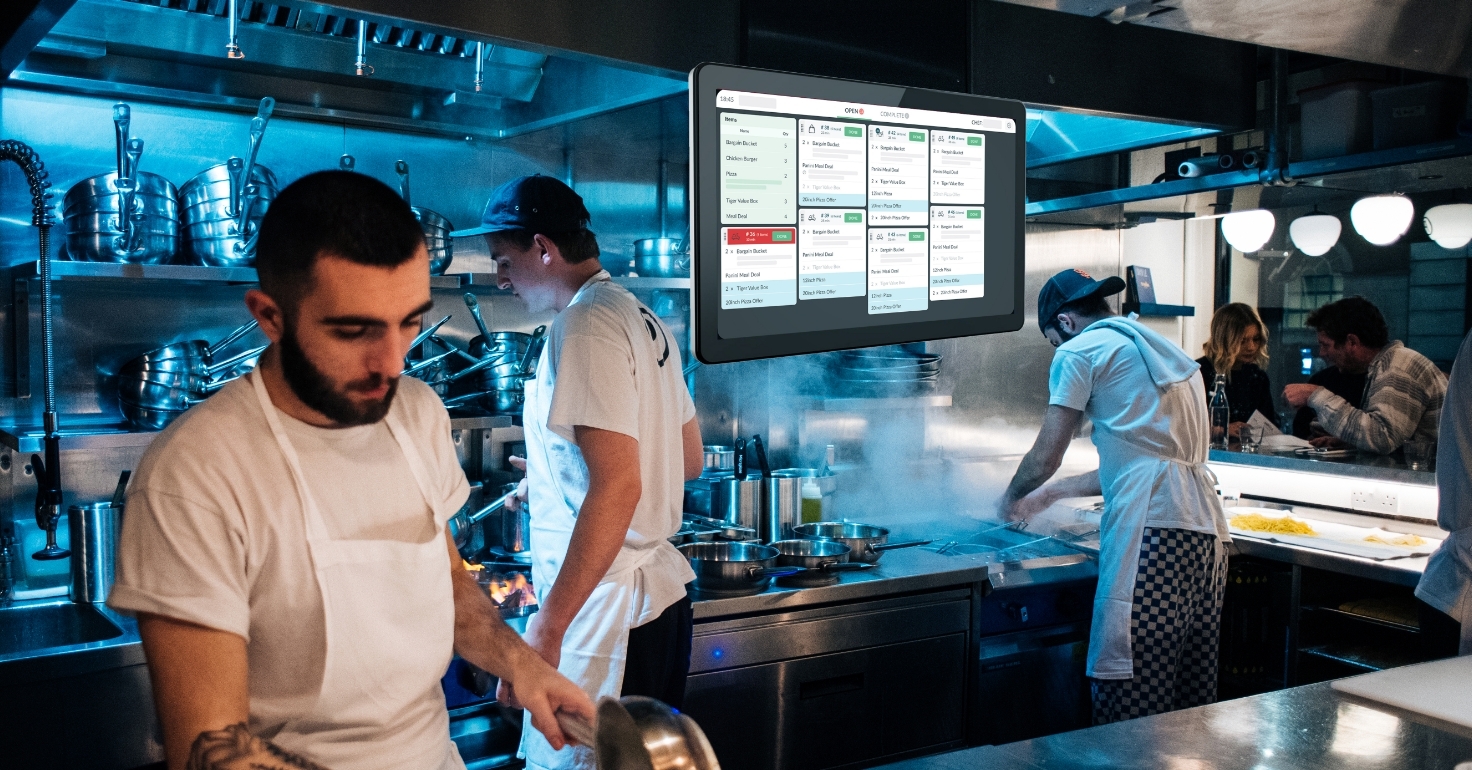
Why Restaurants Lose Orders Before They Reach the Kitchen
Why Restaurants Lose Orders Before They Reach the Kitchen
Restaurant order management is the systematic process of receiving, tracking, and fulfilling food orders across all sales channels. This includes coordinating online orders, phone calls, and in-person requests to ensure every ticket reaches the kitchen accurately and on time.
The modern restaurant industry is increasingly digital, with off-premises sales growing significantly every year. According to the National Restaurant Association, a vast majority of consumers now say that ordering delivery or takeout is essential to the way they live. However, this shift toward digital ordering has introduced a major problem: orders getting "lost" in the transition between the customer's screen and the chef's station.
When a restaurant loses an order, it faces more than just a lost sale. It suffers from decreased customer satisfaction, negative online reviews, and a direct hit to its profit margin. You deserve a system that ensures every order is captured and fulfilled perfectly, regardless of how busy the shift becomes.
The best way to protect your revenue is to implement a robust order management system for restaurants that bridges the gap between front-of-house and the kitchen. Let’s dive into why restaurants lose orders before they ever reach the kitchen—and how to stop it from happening.
What It Actually Means to “Lose” an Order
Losing an order is not always about a piece of paper falling on the floor. In a modern restaurant, losing an order refers to any technical or operational failure that prevents a request from being acknowledged or prepared.
Orders That Never Print or Hit the KDS
The most common form of a lost order occurs when the digital data fails to translate into a physical ticket or a digital display. This happens when the online ordering system is not properly synced with the kitchen display system (KDS).
The customer receives a confirmation email, but the kitchen staff remains completely unaware that they need to start cooking. This results in a customer arriving for a pickup or a delivery driver waiting at the counter while the food has not even been prepped.
Orders That Are Incomplete or Misrouted
Sometimes an order reaches the kitchen, but it arrives with missing information or is sent to the wrong station. If a modifier like "no onions" or "extra cheese" is lost during the transfer, the kitchen will produce an incorrect dish.
Orders can also be routed to the wrong prep station. If a grill item is sent to the salad station's printer, it may be ignored or deleted by staff who think it was a mistake.
Impact on Revenue and Reputation
Every lost or incorrect order leads to a refund or a remake. These expenses quickly add up, especially for a busy restaurant operating on thin margins.
Beyond the immediate financial loss, missing orders lead to poor customer service and a lack of customer loyalty. If a diner has to call your restaurant to ask where their food is, the trust in your brand is already damaged.
Where Orders Get Lost in the Order Journey
To fix restaurant order management, you must first understand the "order journey." Every order travels through five distinct stages, and a failure can occur at any one of them.
Stage 1: The Customer Places the Order
The journey begins on a branded website, a mobile app, or a third-party platform like Uber Eats. If the menu item or the checkout process is confusing, the customer may make a mistake.
However, most "lost" orders at this stage occur because the restaurant's system is not "online" or "active." If the platform thinks the restaurant is closed or busy, the order may be rejected before it even reaches the staff.
Stage 2: The Order Enters the System
This is the most vulnerable stage for most restaurateurs. The order must pass from the ordering platform into the Point of Sale (POS) system.
If you are using a legacy pos system, you may have to manually re-enter orders from a tablet into the POS. Every manual entry is a chance for a typo or a missed modifier that compromises restaurant order accuracy.
Stage 3: The Order Routes to the Kitchen
Once the system accepts the order, it must be sent to the appropriate printers or KDS screens. This requires a stable network connection and correct routing rules.
If a printer is out of paper or a KDS screen has a network drop, the ticket is essentially lost. There is often no feedback loop to tell the front-of-house staff that the kitchen never received the alert.
Stage 4: Acknowledgment and Production
In a successful restaurant, the kitchen staff must "bump" or acknowledge the order. This signals to the system that the food is being prepared.
If the staff is overwhelmed during busy times, they may clear a screen too quickly or miss a ticket in a pile of paper. Without a clear acknowledgment workflow, orders can sit in a "pending" state indefinitely.
Stage 5: The Handoff
The final stage is the handoff to the guest or the delivery driver. If restaurant order tracking is not used, the front-of-house may not know which orders are ready.
Bags can get mixed up, or orders can be taken by the wrong driver. This is why having a clear status for every order—from "received" to "completed"—is vital for modern restaurant management.
The Most Common Reasons Restaurants Lose Orders Before the Kitchen
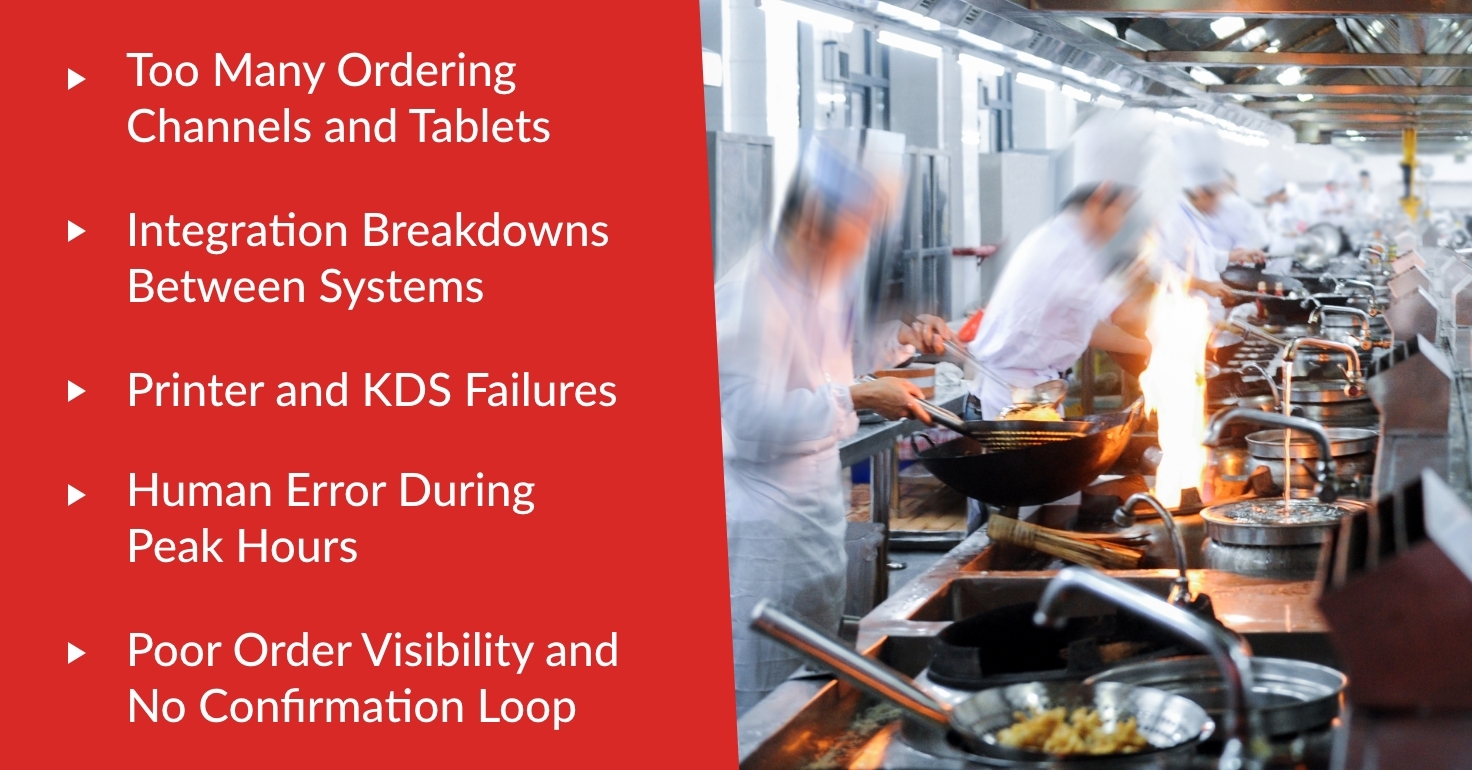
Why restaurants lose orders usually comes down to a combination of fragmented technology and high-pressure human environments. Identifying these specific bottlenecks allows you to address them directly.
Too Many Ordering Channels and Tablets
The "wall of tablets" is a common sight in many kitchens. Managing separate devices for different delivery services is a major cause of customer dissatisfaction.
Staff members often miss the ping of a tablet while they are serving in-person guests. If an order sits unaccepted for too long, the delivery app may automatically cancel it, leading to a lost sale.
Integration Breakdowns Between Systems
When online ordering is not deeply integrated with the POS, data must travel through various "bridges." If one of these digital bridges fails, the order cannot cross over.
Menu sync errors are a frequent culprit. If you update a price or an item on your POS but it doesn't update on the food delivery app, the order may fail because the two systems are out of sync.
Printer and KDS Failures
Hardware is often the weakest link in a commercial kitchen. Thermal printers can overheat, jam, or simply lose their connection to the router.
KDS stations can experience software lag or freeze during peak hours. If your restaurant business relies on a single printer without a backup, a simple paper jam can stop your entire kitchen for fifteen minutes.
Human Error During Peak Hours
Busy times create a high-stress environment for restaurant workers. In the rush to keep up with demand, staff may forget to hit the "fire" button on a held order.
Manual re-entry of orders from a phone call or a tablet is particularly prone to mistakes. A restaurant owner must recognize that the more manual steps required, the higher the chance of failure.
Poor Order Visibility and No Confirmation Loop
If the kitchen and the front-of-house are working from different information, orders will inevitably get lost. There should be a "command center" view that shows every active order and its current status.
Without a confirmation loop, nobody knows if an order was actually started. This lack of transparency is why many restaurants fail to maintain high levels of restaurant order accuracy.
Warning Signs Your Restaurant Has an Order Management Problem
You may be losing orders without even realizing it. Identifying these warning signs early can save you from a major loss in revenue and customer trust.
Guests Show Receipts for Missing Tickets
If a customer arrives to pick up food and shows a receipt on their phone, but your kitchen has no record of it, you have a system failure. This is a clear indication that your online ordering system is disconnected from your kitchen routing.
This scenario is frustrating for both the guest and the staff. It often results in a "rush" order that disrupts the kitchen's flow and further increases the risk of mistakes.
High Refund or Chargeback Rates
Check your financial statements for a high volume of refunds related to "order never received." While some customers may be looking for a free meal, a high rate usually points to a real technical issue.
Chargebacks are even more damaging as they often come with additional fees from the payment processor. Monitoring these metrics is a key part of effective restaurant management.
Long Delays Specifically for Delivery and Takeout
If your dine-in guests are getting their food on time, but your delivery orders are consistently late, your bottleneck is in the order management flow. It likely means that digital orders are not being prioritized or routed correctly.
Delivery services like Uber Eats or Foodhub track these delays. If your restaurant is consistently late, these platforms will lower your visibility, making it harder to attract new consumers.
Frequent "We Didn't Get That" Calls from Third-Party Apps
When a delivery platform calls to ask why an order wasn't prepared, it means their system thinks the order was sent, but your staff didn't see it. This is a red flag for an integration failure.
It suggests that your restaurant order management system is not providing the "acceptance" signal back to the platform. This leads to automated cancellations and unhappy delivery drivers.
How to Fix Restaurant Order Management So Orders Always Reach the Kitchen
Solving these issues requires a mix of the right technology and disciplined staff processes. The goal is to create a frictionless path from the customer’s click to the kitchen’s flame.
Consolidate Orders Into One System of Record
The most effective fix is to eliminate the need for multiple tablets. Use an order management system for restaurants that pulls all orders—online, phone, and in-person—into a single interface.
When all orders flow into one system, your staff only has to monitor one screen. This significantly reduces the mental load on your workers and eliminates the chance of a missed "ping" on a hidden tablet.
Build a Simple “Order Acknowledgment” Workflow
Assign a specific person on every shift to be the "order captain." This person is responsible for confirming that every incoming digital order has been acknowledged by the kitchen.
Use systems that offer audible alerts for new orders. An alarm that doesn't stop until the order is accepted ensures that no ticket sits in limbo during a busy lunch rush.
Tighten Order Routing and Station Setup
Regularly audit your kitchen routing rules. Ensure that every menu item is assigned to the correct printer or KDS station.
If you add a new menu item, do a "first ticket" test to make sure it prints where it should. Cleaning up your modifier logic also ensures that the kitchen has all the information they need to cook the order correctly the first time.
Improve Restaurant Order Tracking From Click to Kitchen
Implementing a status-based tracking system provides clarity for everyone. Orders should move through stages: Received, Accepted, In Progress, Ready, and Completed.
This transparency allows the front-of-house staff to give accurate updates to guests and delivery drivers. It also helps restaurateurs identify exactly where delays are happening so they can be fixed.
Reduce Failure Points With Redundancy
Technology will occasionally fail, so you must have a backup plan. Keep a spare thermal printer on-site and ensure your staff knows how to swap it out quickly.
Have an "offline mode" protocol for when the internet goes down. A simple written playbook can prevent a minor tech glitch from becoming a total operational disaster for your restaurant business.
What to Look for in an Order Management System for Restaurants
Not all systems are created equal. When choosing a solution to manage your orders, look for these specific features to ensure long-term success.
Unified POS and Delivery Integrations
The best system is one that "speaks the same language" as your delivery platforms. Look for a POS that has native integrations with major aggregators and your own online ordering system.
This eliminates the need for manual re-entry and ensures that menu changes are updated everywhere instantly. A unified system is the backbone of a successful restaurant in the digital age.
Real-Time Visibility and Clear Status Tracking
Your management system should provide a "birds-eye view" of all active orders. You should be able to see at a glance how many orders are pending, how many are late, and which stations are most busy.
This visibility allows you to reallocate staff during busy times to prevent bottlenecks. It also improves customer satisfaction by providing guests with accurate expectations for their food.
Reliable Kitchen Routing with Alerts
Look for a system that offers both KDS and printer support. While digital screens are great for tracking, some kitchens still prefer physical tickets for certain stations.
The system should alert you if a printer goes offline or if an order has not been acknowledged within a certain timeframe. These proactive alerts prevent orders from being "lost" for more than a few minutes.
Detailed Reporting on Order Exceptions
Data is your best tool for improvement. Your system should track every canceled order, every refund, and every "late" ticket.
Reviewing these reports weekly helps you find patterns. If orders are consistently lost on Tuesday nights, you may have a staffing or training issue that needs to be addressed.
Metrics That Prove Restaurant Order Accuracy Is Improving
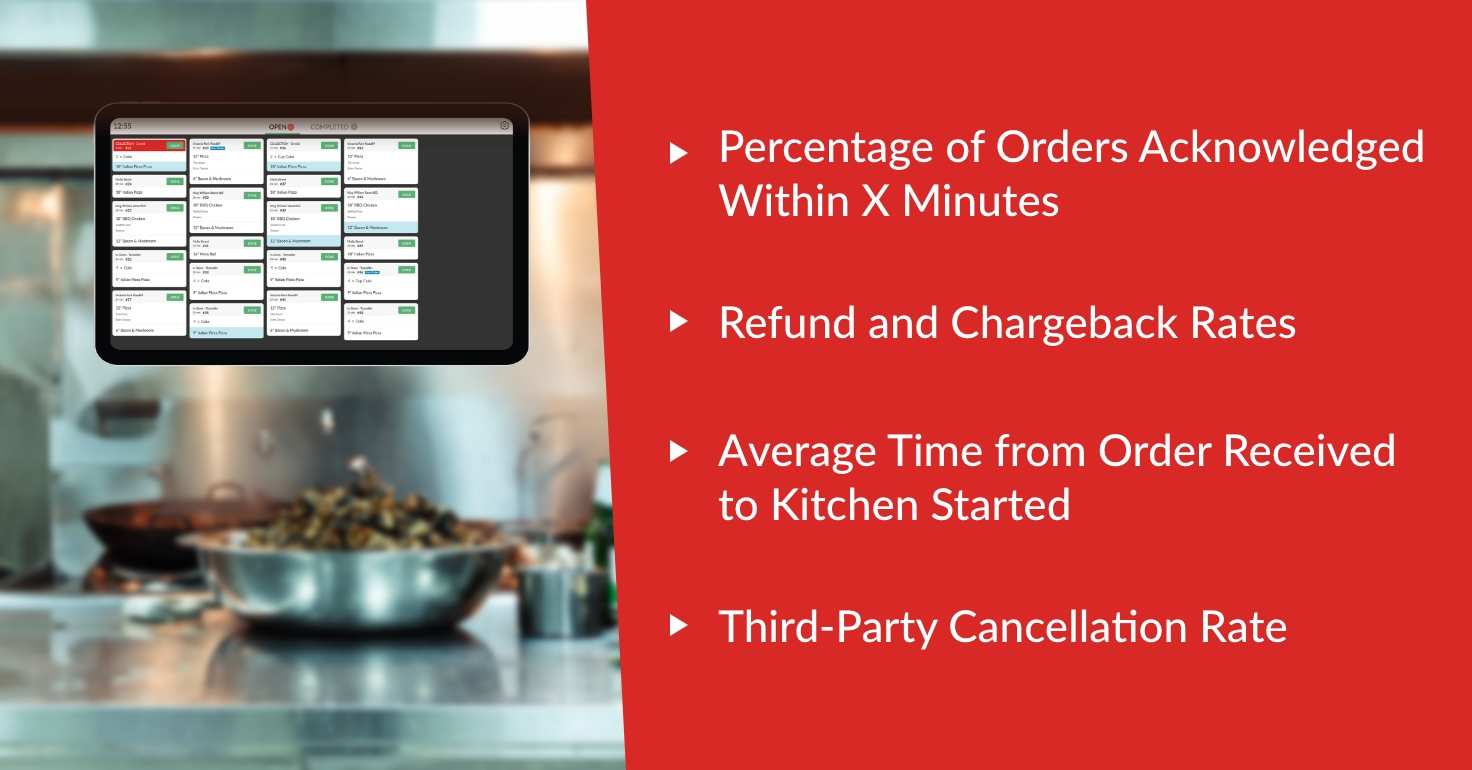
You cannot improve what you do not measure. Track these key performance indicators (KPIs) to see if your new restaurant order management strategy is working.
Percentage of Orders Acknowledged Within X Minutes
Set a goal for how quickly your staff should accept a new digital order. For most fast-casual or QSR restaurants, this should be under two minutes.
Monitoring this metric ensures that your "order captain" is doing their job. It also helps keep your ranking high on third-party delivery services.
Refund and Chargeback Rates
As your order management improves, your refund rate should drop significantly. Specifically, look for a reduction in "missing item" or "order not received" complaints.
This is a direct indicator of improved restaurant order accuracy. Lowering these costs directly increases your net profit at the end of the month.
Average Time from Order Received to Kitchen Started
This metric tracks the "digital lag" in your restaurant. If an order sits for ten minutes before the kitchen starts cooking, you have a process bottleneck.
Reducing this time improves the freshness of the food and the speed of the delivery. It shows that your technology and your staff are working in perfect harmony.
Third-Party Cancellation Rate
High cancellation rates can lead to your restaurant being "paused" on platforms like Uber Eats or Foodhub. Aim for a cancellation rate as close to zero as possible.
A low rate proves that your integration is stable and your staff is attentive. It builds trust with the platforms, which can lead to better marketing placement for your restaurant.
Streamline Your Path to the Kitchen
Effective restaurant order management is the foundation of a modern, profitable food business. When every order reaches the kitchen accurately and on time, your staff can focus on what they do best: preparing great food. By reducing the friction between your sales channels and your kitchen, you protect your margins and build lasting customer satisfaction.
Losing orders is an avoidable problem that stems from fragmented technology and manual processes. The transition to a unified system not only prevents lost revenue but also reduces the stress on your restaurant workers during busy times. In a world where every guest review matters, having a reliable system is your best competitive advantage.
Foodhub for Business offers the comprehensive tools you need to manage your orders with total confidence. Our ecosystem integrates your POS, online ordering, and delivery management into one simple, low-commission platform.
Ready to stop losing orders and start growing your business? Book a demo with Foodhub today to see how our restaurant order management solutions can transform your kitchen's efficiency.