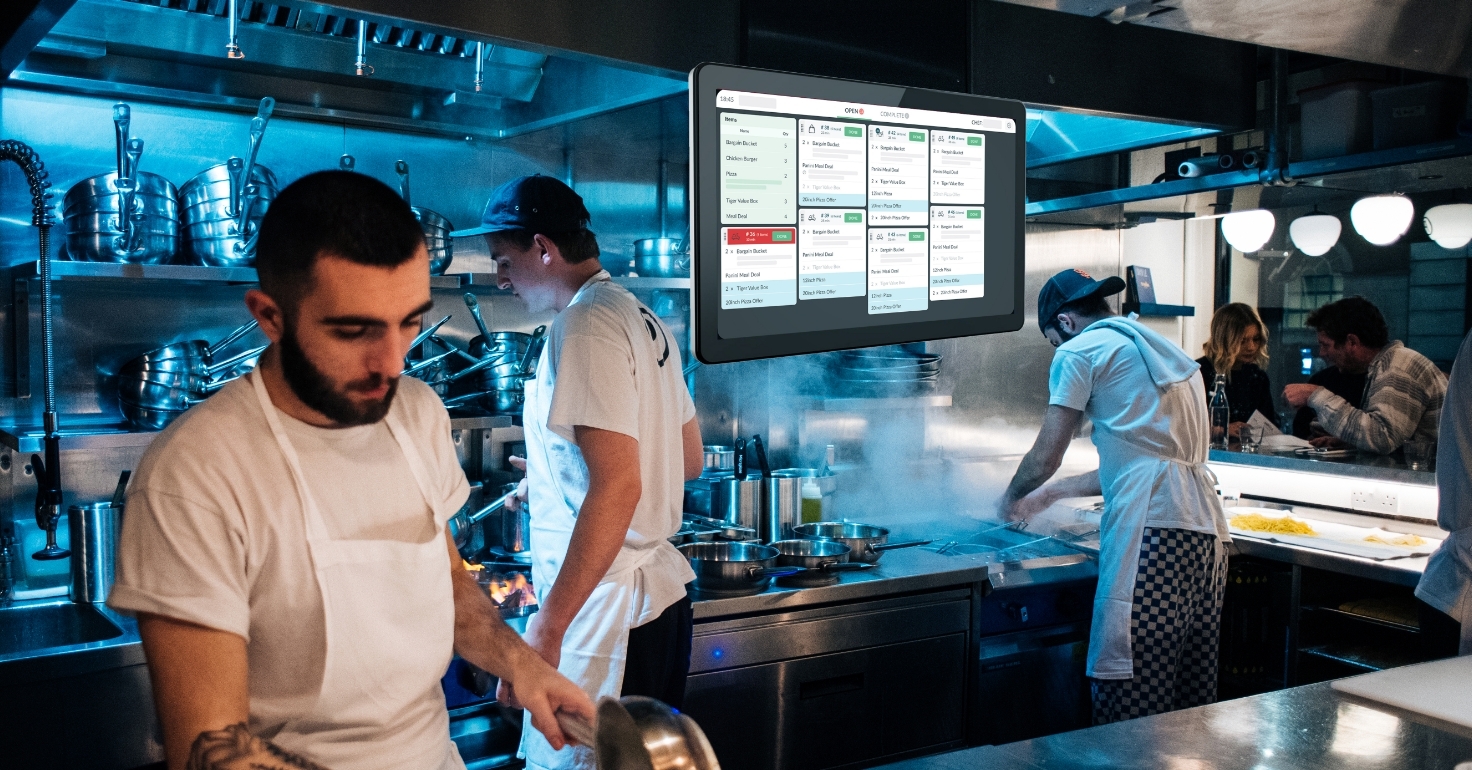
Why Restaurants Lose Orders Before They Reach the Kitchen
An order can look complete to a customer and still fail before the kitchen sees it. The guest may receive a checkout confirmation while the ticket never prints, never appears on the kitchen display system, or arrives without an important modifier. By the time anyone notices, the pickup time has passed and the kitchen is trying to recover in the middle of service.
Restaurant order management is the process of receiving, acknowledging, routing, preparing, and completing orders across in-person, phone, online, takeout, and delivery channels. As off-premises dining has become essential for many consumers, that chain matters more than ever. A quiet failure between systems can quickly become a delay, remake, refund, or lost customer.
What it really means to lose an order
Losing an order is not always about a piece of paper falling on the floor. In a modern restaurant, losing an order refers to any technical or operational failure that prevents a request from being acknowledged or prepared.
A lost order is not limited to a ticket that never arrives. An order is also effectively lost when it is not acknowledged, reaches the wrong prep station, drops a modifier, is cleared before production, or is handed to the wrong guest or driver. The restaurant may not discover the problem until a customer shows a receipt for food the kitchen never started.
The cost is larger than one meal. Staff must interrupt normal production, remake food, investigate what happened, and manage an unhappy guest or waiting driver. Repeated failures increase refunds and waste while weakening confidence in the restaurant.
Five places where orders fail before the kitchen
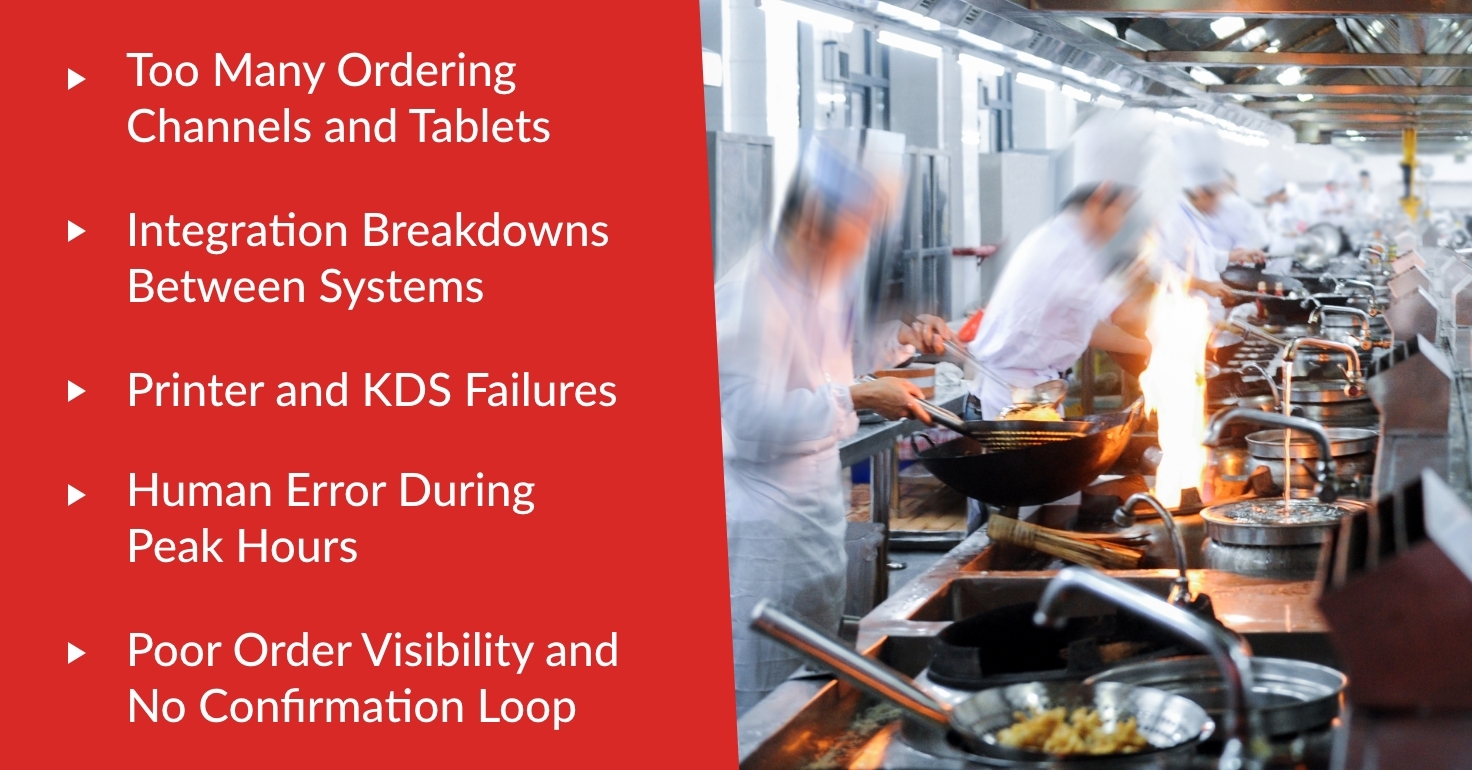
Why restaurants lose orders usually comes down to a small set of technical and operational gaps. The most useful question is not simply whether the order was placed. It is whether every handoff was visible and confirmed.
1. Fragmented order entry
A counter order may enter the point-of-sale system, while phone orders are written down and delivery orders sit on separate tablets. Each channel creates another screen, sound, and process for staff to monitor. During a rush, a missed alert or an order waiting for manual entry can disappear in plain sight.
2. Menu and integration mismatches
When item names, prices, availability, or modifiers do not match across systems, an order may fail to transmit or may reach the kitchen incorrectly. Problems often appear after a menu change that was applied in one place but not another. Manual re-entry creates another opportunity to omit an item or special instruction.
3. Printer, KDS, and routing failures
An accepted order still has to reach the correct printer or kitchen display system. A paper jam, disconnected device, network interruption, or incorrect routing rule can keep a ticket from the station responsible for preparing it. Without a visible alert, front-of-house staff may assume the kitchen is already working on it.
4. No acknowledgment or clear ownership
A ticket can reach the kitchen and still be missed. Staff may not know who is responsible for accepting digital orders, or someone may clear a screen before the kitchen begins production. If the system shows only that an order was sent, rather than received and acknowledged, nobody sees the gap soon enough to intervene.
5. A weak pickup and delivery handoff
The final failure point is the pass. Bags can be staged without a clear status, names can look similar, and drivers can take the wrong order. Restaurant order tracking should continue through Ready and Completed so staff can tell what is waiting, what has left, and who received it.
Warning signs your order flow needs attention
The clearest warning is a customer or driver presenting a valid confirmation when the kitchen has no ticket. Other signals include repeated calls asking whether an order was received, takeout or delivery running later than dine-in, frequent missing-item complaints, unexplained cancellations, and refunds marked order not received.
Do not treat each incident as an isolated staff mistake. Look for a pattern by channel, location, shift, device, and menu item. That comparison can show whether the root cause is training, configuration, hardware, connectivity, or an integration issue.
How to make sure every order reaches the kitchen
Create one operational view
An effective order management system for restaurants should reduce the number of places staff must watch. A more unified setup should bring online ordering, counter, phone, and integrated delivery orders into a consistent workflow. Even when every channel cannot be managed identically, the team needs one clear source for active order status.
Keep menu information current
Review item availability, prices, modifiers, and routing whenever the menu changes. Confirm that updates reach every connected channel and test a representative order before the next service period. Reliable integrations reduce manual work, but clean, consistent menu data still matters.
Foodhub clients can now request a Full Menu Update directly through the My Business Hub app. They can upload menu files, add instructions or comments, and submit the request without separately contacting the team. The information is captured for the Menu team to review, giving clients a clearer way to provide complete update details. The request does not make changes instantaneous, so restaurants should allow time for the update and verify it before relying on the new menu during service.
Test routing and failure alerts
After adding an item, printer, station, or integration, place a test order and follow it from entry to the correct kitchen destination. At opening, confirm that printers have paper, KDS screens are connected, and alerts can be heard. Staff should also know how the system signals an offline device or unacknowledged ticket.
Make acknowledgment part of the shift
Assign responsibility for incoming digital orders on every shift. Use a simple status sequence such as Received, Accepted, In Progress, Ready, and Completed, and agree on what each status means. The purpose is not to add more taps; it is to create a confirmation loop that makes a missing handoff visible.
Protect the last handoff and plan for downtime
Label and stage completed orders consistently, verify the guest or driver before release, and record when an order leaves. Keep a short offline procedure for internet, printer, or device failures. A backup printer, tested connection steps, and a clear escalation contact can prevent a small disruption from turning into a backlog.
Metrics that show restaurant order accuracy is improving
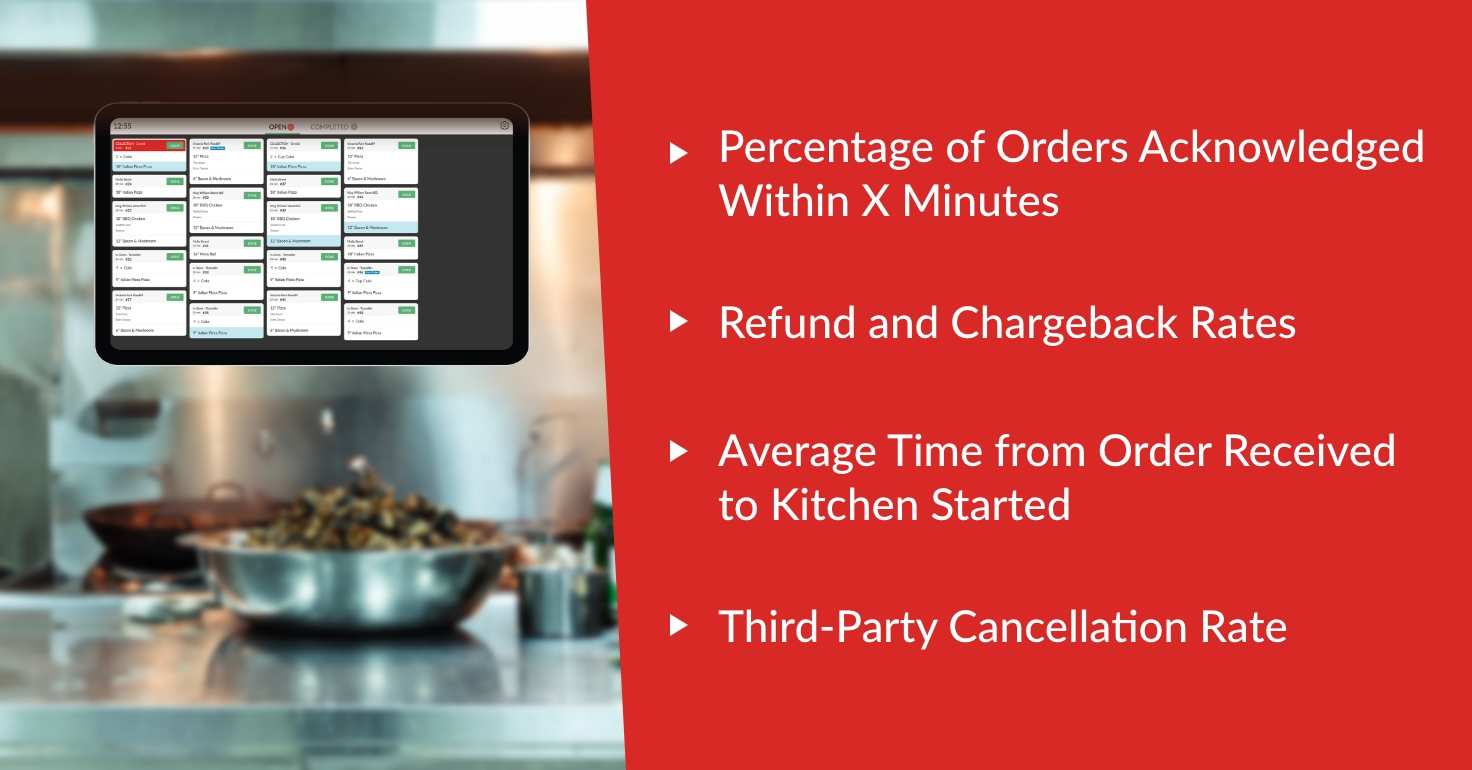
Track a small group of measures consistently: the share of digital orders acknowledged within your chosen time, average time from receipt to kitchen start, missing-item and order-not-received refunds, and cancellations caused by restaurant-side issues. Review exceptions by channel and shift rather than relying only on an overall average.
Improvement should show up as fewer unexplained gaps, faster acknowledgment, fewer remakes, and more consistent handoffs. If one metric worsens after a menu, device, or process change, investigate quickly while the details are still fresh.
A simpler path from order to kitchen
Reliable restaurant order management is less about adding another tool and more about removing blind spots. When channels feed a consistent workflow, menus stay current, the kitchen confirms receipt, and every order has a visible status, staff can catch problems before the customer does.
Foodhub brings restaurant-focused tools for POS, online ordering, kitchen operations, and delivery management into a more connected setup. If your current order flow depends on too many screens or manual handoffs, speak to our team about a setup that fits the way your restaurant operates.