Reduce Takeout Management Complexity With Your POS System
A takeout POS system brings orders intended for pickup or delivery into the same workflow as your counter sales. By connecting the hardware, software, and online ordering tools your restaurant already relies on, it can reduce manual steps between the customer, front counter, and kitchen.
That matters because off-premises dining is now part of the weekly routine for many consumers. The National Restaurant Association reports that nearly 60% of consumers order delivery or takeout at least once a week. For restaurants, that demand can arrive through phone calls, walk-ins, a branded website, mobile ordering, and third-party delivery apps - often during the same rush.
A strong POS system does not make the kitchen less busy. It makes the work easier to follow. The goal is a clear order path, fewer preventable mistakes, and better visibility for the people managing the shift.
Why takeout gets complicated fast
Takeout becomes difficult when each sales channel creates its own process. One order prints at the register, another appears on a delivery tablet, and a third arrives by phone. Staff must watch every source, transfer details accurately, and decide where each ticket belongs while serving the guests in front of them.
Manual order re-keying
When an order from a website or delivery app must be entered into the POS by hand, the restaurant adds another opportunity for delay or error. A missed modifier, incorrect quantity, or overlooked allergy note can lead to a remake, refund, or disappointed customer. The risk rises when several orders arrive at once.
Inconsistent kitchen tickets
Different ticket layouts force kitchen staff to stop and interpret how each platform presents items, modifiers, and special instructions. That extra mental work can slow the line and make final checks harder. Standardized tickets give cooks and expeditors one familiar format to follow.
Disconnected menus and reporting
Separate systems also create back-office work. Menu changes may need to be repeated across channels, while sales totals must be gathered from several dashboards. When information is fragmented, it is harder to compare order volume, identify peak periods, or see where operational problems begin.
How a takeout POS system simplifies order flow
The most useful restaurant technology removes steps from the shift rather than adding another screen to manage. A connected takeout workflow gives each order a consistent route from entry to preparation and handoff.
One hub for multiple order types
A centralized view helps staff see new, accepted, in-progress, and completed orders without jumping between unrelated systems. It also shortens training because employees learn one main workflow instead of a different routine for every order source.
Clearer kitchen communication
Whether an order starts at the counter or online, the kitchen should receive the information in a consistent format. Routing tickets to the correct printer or kitchen display system (KDS) helps each station see what it needs, including modifiers and special instructions. Staff spend less time translating tickets and more time preparing them correctly.
Fewer handoff gaps
A visible order status makes it easier to tell what has been received, what is cooking, and what is ready for pickup. That shared view can reduce missed orders, duplicate preparation, and confusion between the kitchen, counter, delivery driver, and customer.
Online ordering POS integration: The key to less chaos
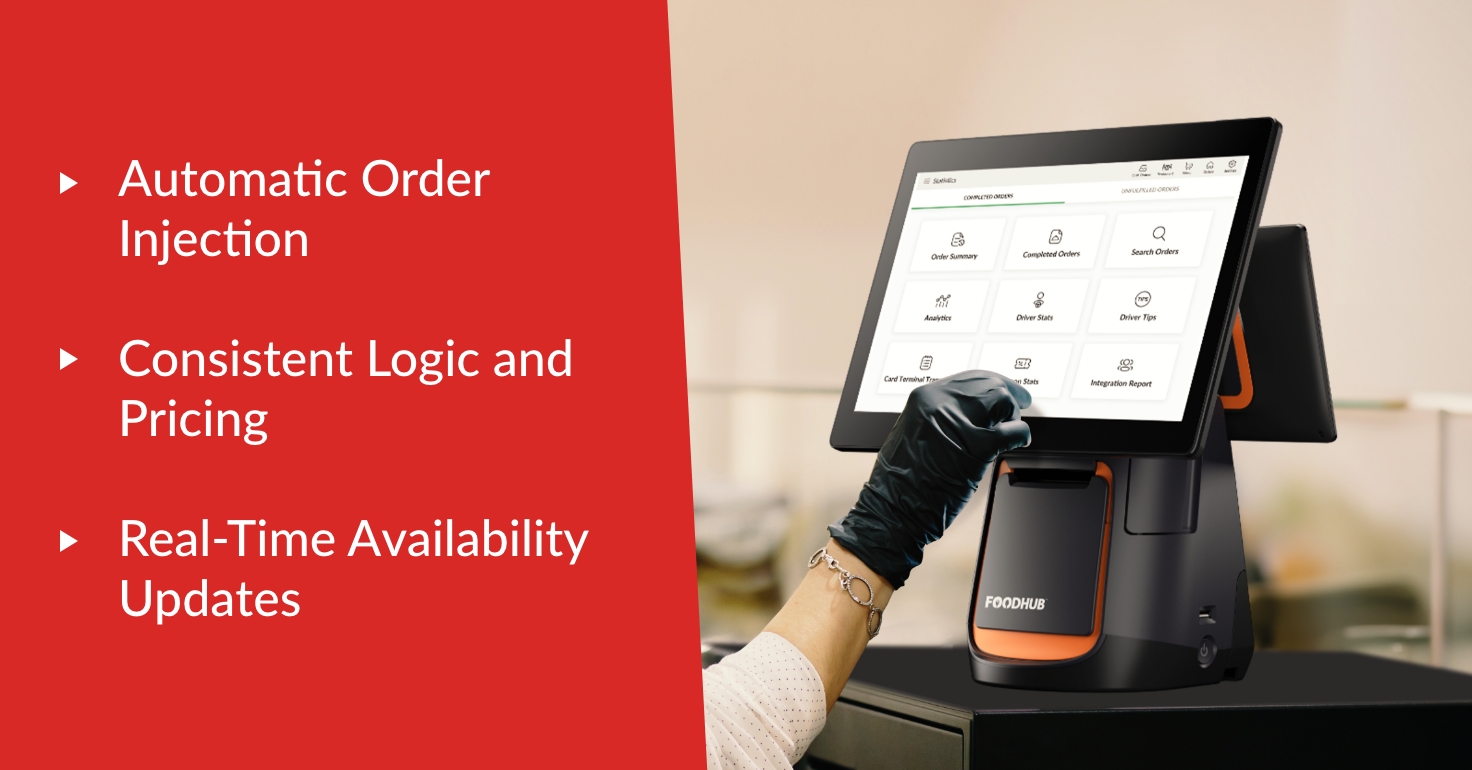
Online ordering POS integration connects digital orders to the restaurant's operating workflow. Instead of relying on staff to notice a notification and re-enter the details, compatible orders can move directly to the POS and kitchen routing process.
Automatic order routing
Automatic routing removes a repetitive front-counter task and helps preserve the customer's original selections. The exact workflow depends on the ordering channel and integration, so restaurants should confirm which sources connect directly and how exceptions are handled before choosing a system.
Consistent menu logic
Menu names, prices, taxes, modifiers, and availability need to match the channels a restaurant uses. Centralized menu tools reduce the chance that one platform shows outdated information. They also make seasonal changes and price updates easier to manage without rebuilding the same menu repeatedly.
Foodhub for Business clients can also request a Full Menu Update through the My Business Hub app. They can upload menu files, include instructions or comments, and submit the request in one place. The information is captured as a task for the Menu team, reducing the need to send files and directions through separate conversations.
Restaurant POS integration that removes extra steps
Takeout management extends beyond accepting the order. The right restaurant POS integrations connect the systems involved in preparation, delivery, and reporting so managers do not have to assemble the full picture by hand.
Delivery and aggregator connections
Restaurants using several third-party delivery services should ask how those orders reach the POS and whether they appear in a consolidated view. A compatible delivery management setup can reduce tablet clutter and help the team follow one process across delivery channels.
KDS routing
A KDS can route items to the appropriate preparation stations and keep order details visible throughout production. For example, hot food, cold items, and drinks can reach the teams responsible for them while the expeditor maintains a view of the complete order.
Centralized and scheduled reporting
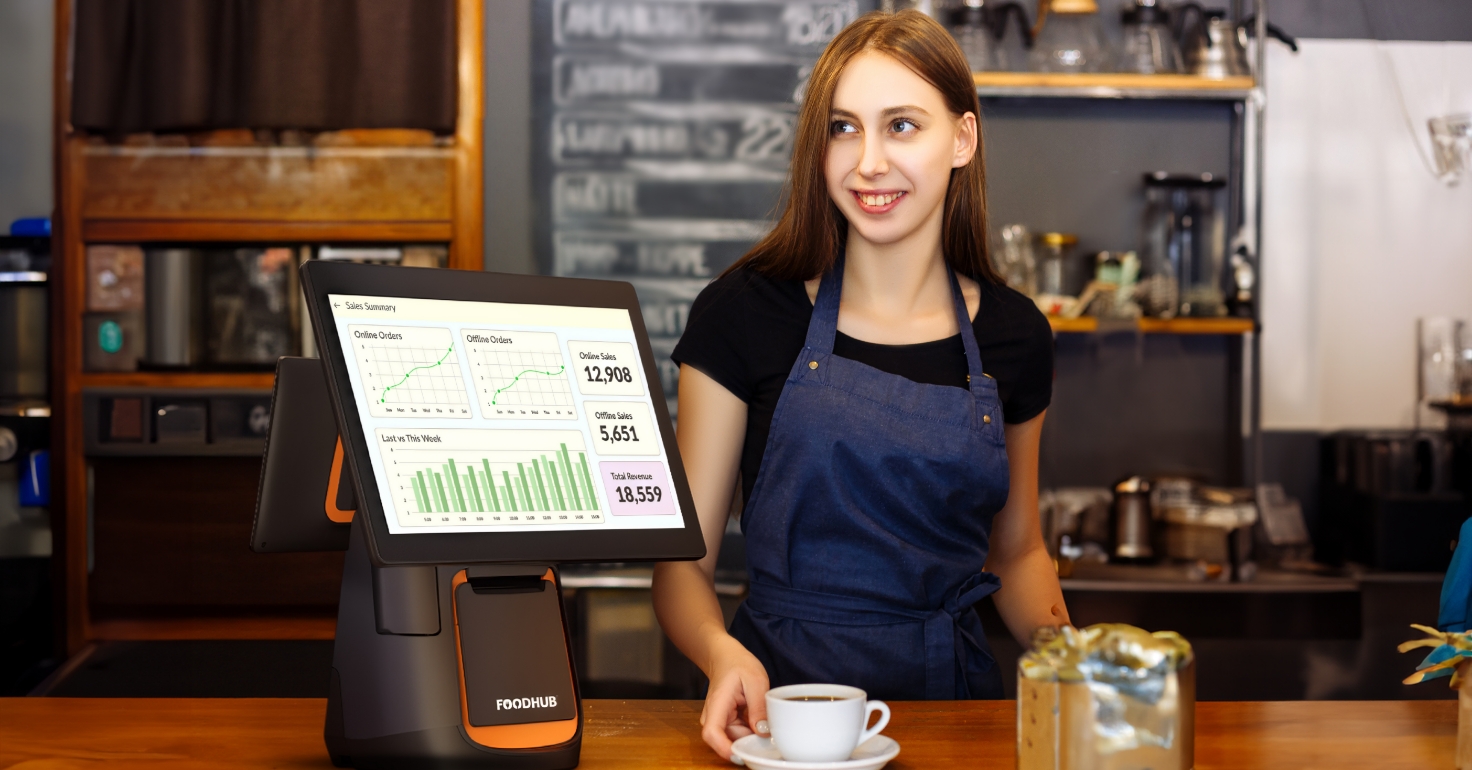
Consolidated reporting helps managers review sales, order patterns, and channel performance without combining several exports. Foodhub's Scheduled Reports feature can automatically email selected reports daily, weekly, or monthly. Options include sales summaries, completed orders, store overviews, menu breakdowns, card transactions, payouts, and processing statements, with setup available through the POS or My Business Hub.
What to look for in a restaurant order management system
The best fit is not necessarily the system with the longest feature list. It is the one that supports your restaurant's actual order sources, kitchen workflow, and staff without creating unnecessary disruption. During a review, focus on how the system will work on a busy Friday night.
A centralized order view
Managers should be able to see active orders and their status quickly. Ask whether the view includes counter, pickup, website, and supported delivery orders, and whether staff can identify delays before guests or drivers begin asking for updates.
Capacity and prep-time controls
No system can create unlimited kitchen capacity. Useful tools help the restaurant communicate realistic preparation times or manage the flow of incoming orders when volume spikes. Confirm what controls are available, who can adjust them, and whether changes are reflected across the channels you use.
Menu management and support
Look beyond the initial menu build. Ask how routine updates, large revisions, modifiers, sold-out items, and pricing changes are handled. Clear ownership and responsive support matter because a menu problem can affect every order until it is corrected.
A practical transition plan
A restaurant order management system should fit the operation you have today and provide a manageable path forward. Review hardware needs, integrations, menu setup, training, data access, installation timing, and support before switching. A phased or carefully scheduled transition can reduce disruption for staff and guests.
Practical ways to reduce takeout complexity
Technology works best when the physical workflow is equally clear. A few simple operating standards can prevent confusion after the ticket leaves the POS.
Standardize the staging and pickup area
Create a dedicated space for completed takeout orders and separate pickup traffic from dine-in service where possible. Label shelves or sections consistently, but protect customer information and keep high-value or temperature-sensitive orders under staff control.
Assign a takeout expeditor during rushes
One person should own the final check when volume is high. The expeditor can match items to the POS ticket, confirm drinks and add-ons, seal the package, and verify the name or order number before handoff. Clear ownership reduces the chance that everyone assumes someone else checked the bag.
Use simple packaging standards
Document how common order types should be packed, including when to separate hot and cold food, add utensils or sauces, and use vented containers. Consistent packaging supports food quality and gives new employees a repeatable process to follow.
How to measure whether your takeout POS system is working
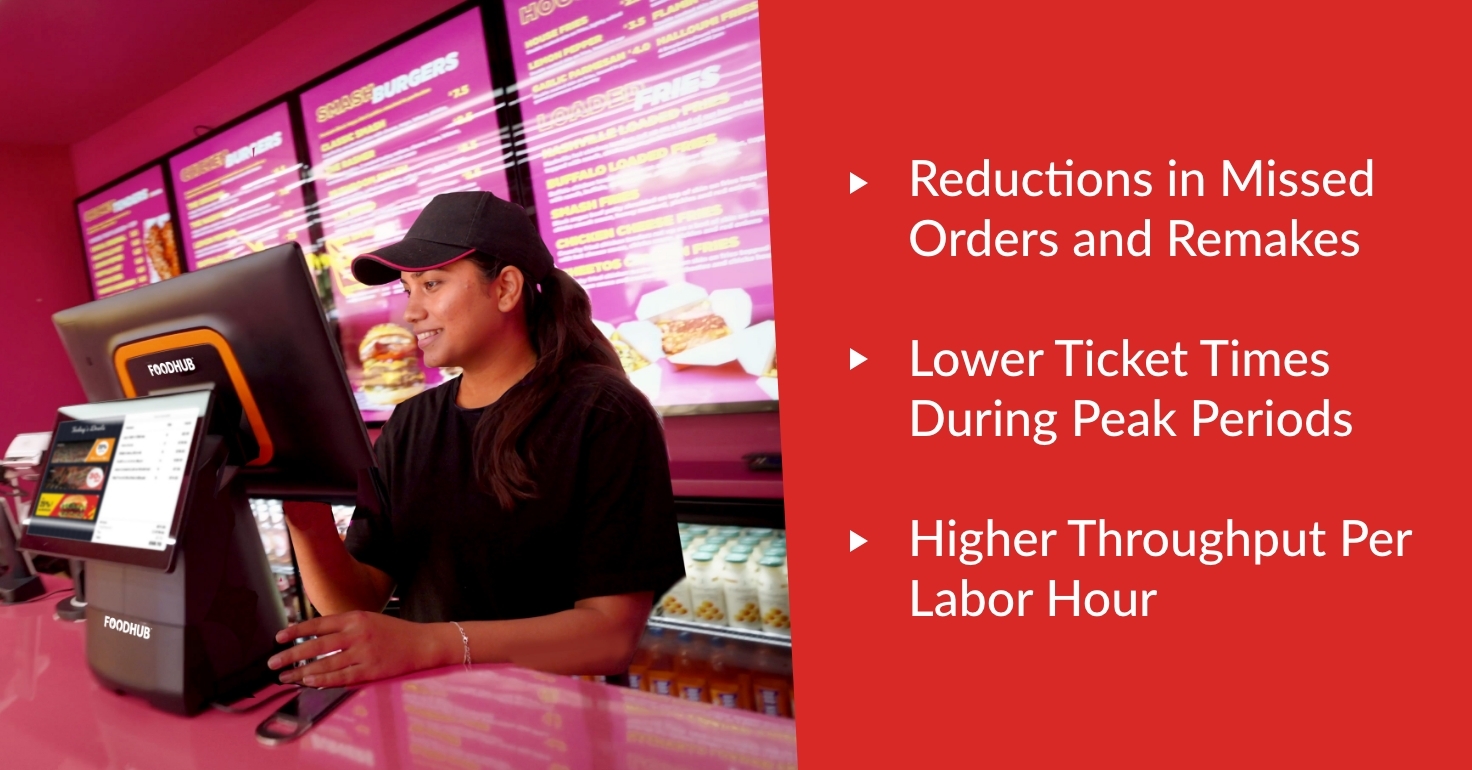
Before changing systems or workflows, record a baseline. Then compare the same measures after implementation so you can separate real improvement from a busy or slow week.
Missed orders, voids, refunds, and remakes
Track preventable order problems by source and reason. A downward trend may indicate that clearer routing and fewer manual entries are helping. If one problem continues, the detail can point to a menu, training, packaging, or integration issue that needs attention.
Ticket times and on-time handoffs
Measure the time from order receipt to ready-for-pickup, especially during peak periods. Also watch how long completed orders wait before handoff. Faster production is useful, but accuracy and realistic customer expectations matter just as much.
Throughput and labor effort
Compare order volume with labor hours and note how much time staff spend monitoring tablets, re-keying orders, correcting menus, or reconciling reports. The goal is not simply fewer labor hours; it is to redirect staff time toward food preparation, service, and problem resolution.
Simplify takeout without disrupting your restaurant
Takeout complexity usually comes from small gaps between systems: an order that must be typed twice, a modifier that appears differently in the kitchen, a menu update that does not reach every channel, or a completed bag without a clear owner. A connected takeout POS system can close many of those gaps and give staff a more consistent process.
Foodhub for Business combines POS, online ordering, kitchen tools, delivery management, and reporting within a broader restaurant technology platform. The right setup depends on your current equipment, order sources, service model, and priorities, so the conversation should start with how your restaurant already operates.
Speak to our team to explore a connected setup that can reduce extra steps while working with the needs of your operation.