A restaurant can outgrow its POS system before the terminal stops working. The warning signs usually appear during a busy shift: employees re-enter online orders, modifiers disappear between channels, kitchen tickets arrive late, or a manager stays after close reconciling reports. These are not isolated annoyances. Together, they suggest that the current setup no longer matches the way the restaurant operates.
That mismatch matters most in takeout, quick-service, and delivery-heavy restaurants. Nearly 75% of restaurant traffic now occurs off premises, according to the National Restaurant Association's 2025 Off-Premises Restaurant Trends report. When a large share of guest interactions happens through pickup, drive-thru, or delivery, the POS must coordinate ordering, payments, menus, and kitchen flow - not simply ring up a sale.
Not every growing restaurant needs to replace its entire setup immediately. A better first step is to identify the friction, compare the full operating impact of the available options, and decide whether an integration, phased transition, or complete change is justified. The goal is a better fit, not change for its own sake. A short issue log can help: record the time, channel, task, effect on service, and how employees resolved each recurring problem.
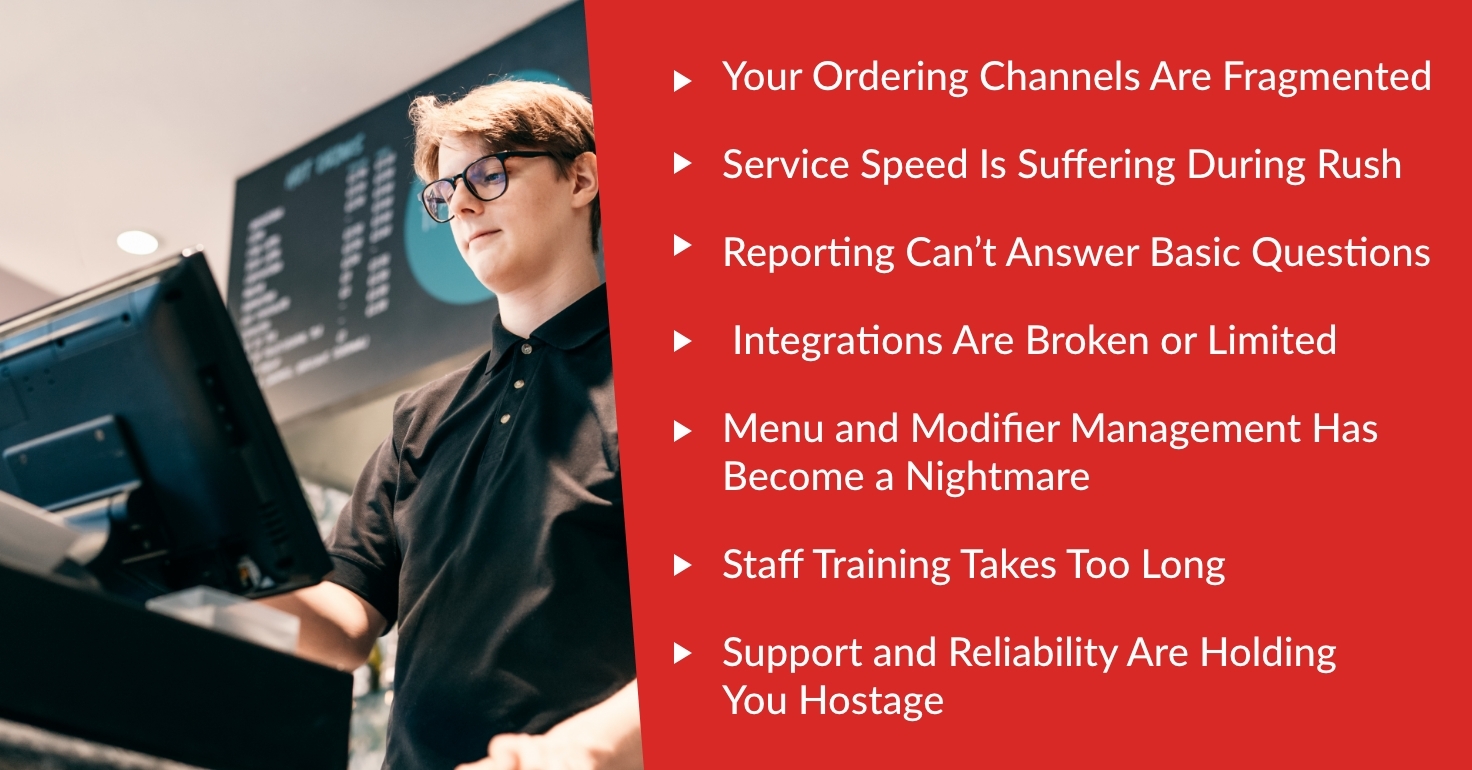
Seven signs you may have outgrown your restaurant POS system
A system can still process payments while creating costly friction elsewhere. Look for patterns that affect several shifts, channels, or employees rather than treating one unusual incident as proof that it is time to switch. Review support tickets, voids, remakes, delayed orders, and manager work over a representative period so the comparison starts with evidence from your operation.
1. Ordering channels are fragmented
If website, phone, counter, and third-party orders arrive on separate devices, employees may have to re-enter tickets by hand. That adds another chance to miss an item, price, address, or modifier. A growing takeout operation should be able to see incoming demand clearly and route orders without depending on a row of tablets or handwritten notes.
2. Service speed suffers during busy periods
Slow screens, too many taps, delayed ticket routing, and unclear order status become more damaging as volume rises. Watch what happens between payment and kitchen acceptance. If staff repeatedly stop to locate an order, confirm a promised time, or explain a delay, the workflow may be limiting speed even when the software itself remains online.
3. Reporting cannot answer basic questions
A total sales number is not enough when orders come from several sources. Managers should be able to compare channels, dayparts, items, discounts, refunds, and payment activity without building a separate spreadsheet every night. If reports cannot show where revenue is coming from or where costs are accumulating, it becomes harder to make confident menu, staffing, and marketing decisions.
4. Integrations are broken or limited
Disconnected systems create duplicate work and inconsistent information. Menu changes may not reach every channel, online orders may not flow cleanly to the kitchen, or loyalty and customer records may sit in separate tools. Review the available restaurant POS integrations and ask which connections are native, which require another provider, and what happens when an integration fails.
5. Menu and modifier management takes too much work
Takeout menus change frequently because of pricing, availability, seasonal items, and channel-specific offers. If one update requires several logins or staff cannot apply modifiers consistently, errors will reach both guests and the kitchen. The right setup should make routine menu work manageable and keep item names, prices, availability, and instructions aligned across the channels the restaurant uses.
6. Staff training takes too long
Turnover makes usability an operating issue, not a cosmetic preference. New employees should be able to learn common tasks without memorizing workarounds, while managers should control permissions and exceptions. If experienced employees still make the same entry mistakes or only one person knows how to fix a problem, the system may be creating avoidable dependence and training cost.
7. Support and reliability are holding you back
Repeated outages, failing hardware, slow responses, or unclear ownership between vendors can make every incident harder to resolve. Track how often problems occur, how long they affect service, and whether the provider addresses the cause. A restaurant may have outgrown not only the software, but also the support model or vendor relationship surrounding it.
Compare the full operation, not just the monthly price
Once several warning signs are present, use the same criteria for every provider. Foodhub's restaurant POS comparison guide organizes common options around pricing, ordering, integrations, operational flexibility, and customer ownership. A consistent framework makes it easier to separate a meaningful advantage from a polished sales presentation.
Calculate total operating cost
Compare more than the advertised subscription. Include hardware, payment processing, online-ordering charges, required add-ons, support, installation, training, and contract exit costs. Also count the labor tied to manual order entry and report reconciliation. Ask each provider for an itemized 12- and 36-month estimate based on your actual transaction volume and required features. The restaurant POS buying guide offers a broader evaluation checklist. Use the same sales volume, order mix, locations, hardware, and feature assumptions for every quote; otherwise, two totals that look comparable may be based on very different restaurant needs.
Follow an order from customer to kitchen
A feature list cannot show how a system behaves during service. In every demo, enter a counter order, a direct online order, and a marketplace order. Add a difficult modifier, mark an item unavailable, change a promised time, issue a refund, and follow each ticket to the correct printer or kitchen display system. Compare the number of steps and the visibility employees have at each stage.
Evaluate direct ordering and customer access
Within a complete restaurant technology package, direct online ordering can help a restaurant strengthen its own customer relationships while marketplaces continue to provide reach. Ask who controls the branded ordering experience, what customer and order data the restaurant can access, how consent is handled, and whether information can be exported. Also test how duplicate customer records, refunds, menu updates, and promotions are handled. The practical question is how direct and third-party channels work together day to day.
Check flexibility, contracts, and migration requirements
Confirm which existing printers, terminals, payment devices, and integrations can remain in place. Review contract length, renewal language, cancellation terms, data portability, and replacement-hardware costs. If switching everything at once creates unnecessary risk, ask whether the provider supports a phased transition. Flexibility matters because the best setup today should not become the next source of lock-in as the restaurant changes.
Use provider comparisons to narrow the shortlist
Different restaurant models benefit from different strengths, so there is no useful winner without context. Apply your actual service model, order mix, staffing, and growth plans to each option. Foodhub's comparison pages provide starting points for several platforms commonly considered by U.S. operators:
Toast POS vs. Foodhub: compare ecosystem depth, proprietary hardware, payments, add-ons, and fit for full-service or multi-location operations.
Square vs. Foodhub: compare entry-level simplicity with the needs of a restaurant whose takeout, delivery, or ordering workflow is becoming more complex.
Clover vs. Foodhub: compare the specific reseller and processor configuration, contract terms, restaurant tools, and online-ordering workflow being offered.
Lightspeed vs. Foodhub: compare reporting and operational depth with implementation effort, add-on requirements, and the simplicity needed by the team.
TouchBistro vs. Foodhub: compare table-service and iPad-centered workflows with the priorities of a takeout- or delivery-focused restaurant.
Foodhub is positioned most directly for independent restaurants that want restaurant-specific POS and ordering operations in a more cohesive setup, especially takeout, quick-service, and delivery-heavy businesses. A restaurant with extensive table-service, bar, enterprise, or highly specialized requirements should test those workflows carefully and compare more than one provider before deciding. Narrow the field to two or three realistic candidates, then score each against the same must-have workflows, cost assumptions, contract terms, and support expectations.
How to Upgrade Without Disrupting Service
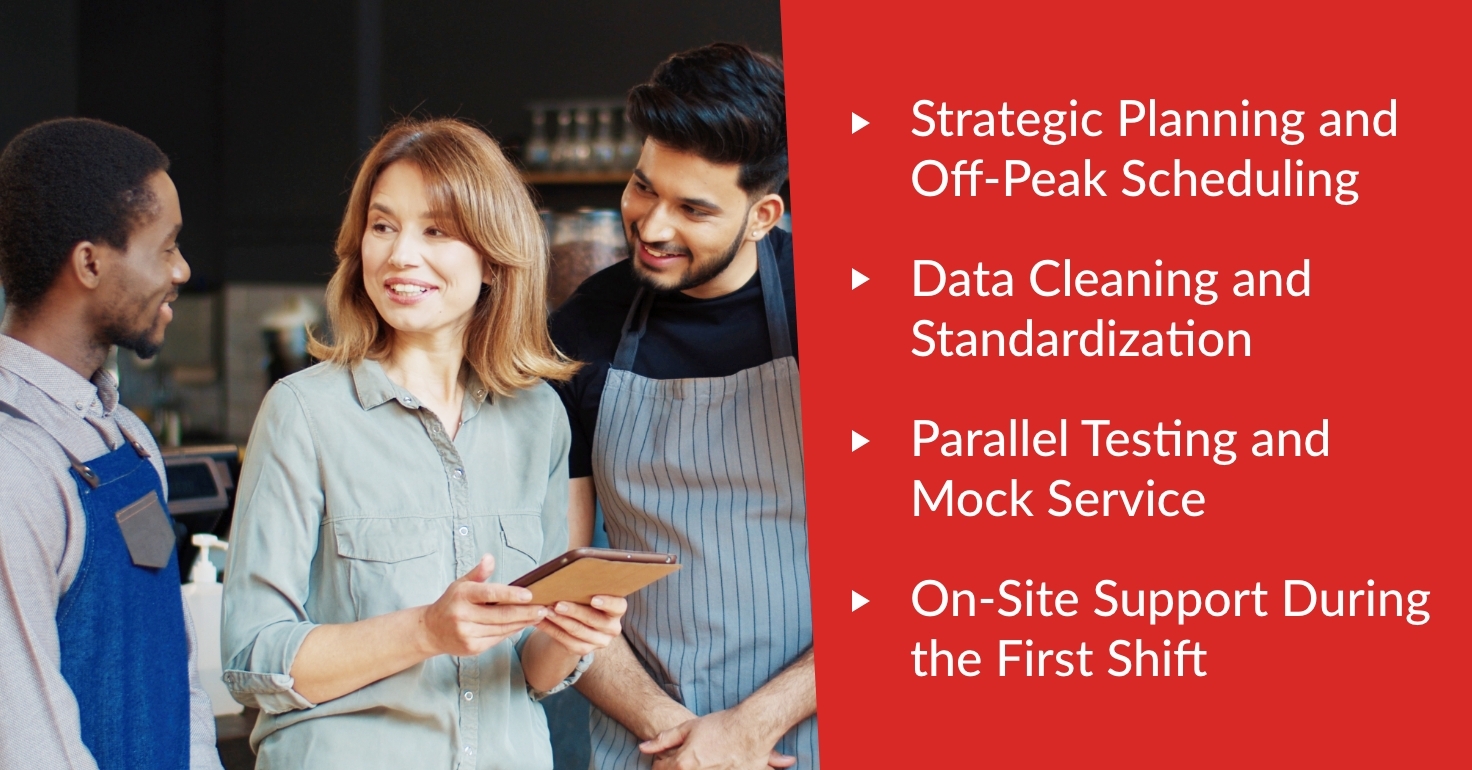
Fear of disruption is a valid reason to plan carefully, but it should not keep a restaurant in a poor-fit system indefinitely. A controlled migration protects guests and employees while giving the new setup a fair test. For a more detailed sequence, see how to switch a restaurant POS system without downtime.
Plan the transition for an off-peak window
Choose a lower-volume period and assign one restaurant lead to coordinate with the provider. Build a timeline for menu preparation, hardware, payments, integrations, training, testing, and go-live support. Include a fallback plan and define who can make decisions if an issue appears during launch.
Clean and standardize the data
Before migration, remove inactive menu items and employee records, confirm taxes and service charges, and organize modifier groups. Decide what historical, customer, gift-card, loyalty, and reporting data must move. Clean inputs reduce confusion and make it easier to determine whether the new system is producing accurate results.
Run parallel tests and a mock service
Test the real combinations that usually cause trouble: complex modifiers, discounts, refunds, split checks, sold-out items, direct orders, marketplace orders, and kitchen routing. Let employees practice while the restaurant is closed or quiet. Confirm totals and reports before relying on the new setup during a full shift.
Arrange support for the first live shift
Know whether support will be on-site, remote, or both, and obtain the correct contact path before launch. Keep quick-reference instructions near each station and log every issue. A short post-launch review can separate training questions from configuration problems and identify what should be adjusted before the next busy period.
Questions to ask in every restaurant POS demo
adjusted before the next busy period.
Questions to ask in every restaurant POS demo
Use the same questions with every provider so the comparison stays fair. Invite at least one manager and one employee who handles orders or kitchen handoffs; their observations can expose friction that is easy to miss in a scripted demonstration:
Can you show a counter, direct online, and marketplace order moving all the way to the kitchen?
How are modifiers, sold-out items, pricing changes, refunds, and order timing managed across channels?
Which features are included, and which require a paid add-on, separate contract, or third-party provider?
What will the complete setup cost over 12 and 36 months at our current transaction volume?
What data can we access and export, in what format, and what happens to it if we leave?
What are the implementation steps, test process, launch support, and responsibilities on both sides?
Choose the system that fits the next stage
Outgrowing a POS system is not a failure. It is a sign that the restaurant's order mix, volume, or operating model has changed. The right response is to document the friction, compare total operating cost and workflow fit, and test the claims that matter during a realistic demo.
Foodhub brings POS, direct ordering, marketplace management, payments, and restaurant workflows into one restaurant-focused approach. It may be a strong fit for independent takeout, delivery, and quick-service operators seeking greater simplicity and a flexible transition. Compare restaurant POS systems or speak to our team about the setup you already have, the problems you want to solve, and whether Foodhub fits your next stage.