How to Switch a Restaurant POS System Without Downtime
How to Switch a Restaurant POS System Without Downtime
A switch point-of-sale system process involves transitioning from an existing POS platform to a new solution while maintaining continuous business operations. For a restaurant, this means ensuring that order processing, kitchen communication, and payment settlements remain functional during the entire migration.
According to research from Gartner, the average cost of IT downtime is roughly $5,600 per minute. For a busy restaurant, even thirty minutes of technical issues during a peak dinner rush can result in thousands of dollars in lost revenue and lasting damage to your reputation.
Choosing to switch POS systems is often necessary to access modern features like cloud-based POS systems, advanced inventory tracking, and integrated mobile ordering. However, the fear of technical failure often prevents restaurant operators from making the upgrade.
By following a structured migration plan, you can implement a new POS system without missing a single ticket or frustrating a single guest. Let’s take a look at how to switch a restaurant POS system without downtime or disruption to your daily operations.
What “Downtime” Really Means During a POS Swap
In the restaurant industry, downtime is not just a blank screen or a disconnected internet cable. It refers to any disruption in the flow of information from the customer to the kitchen or the payment processor.
Lost Ability to Accept Payments or Send Orders
The most visible form of downtime occurs when a POS terminal cannot process a transaction. If your credit card processing fails, you are forced to rely on cash or turn customers away entirely.
Equally damaging is the loss of communication between the front-of-house and the kitchen display system (KDS). If orders do not print or appear on screens, the entire restaurant operation grinds to a halt.
Online Ordering Outages and Platform Disconnects
Modern POS systems are deeply integrated with third-party delivery platforms and your own branded website. A botched POS swap can break these digital links, making your restaurant appear "closed" on apps like Foodhub or UberEats.
These outages are particularly costly because they often go unnoticed by staff for several minutes. During that time, you lose out on high-volume delivery orders and potential new customers.
Missing Tickets and Routing Errors
Downtime can also manifest as "ghost" orders or duplicated tickets. If the new system is not configured correctly, a single order might print in the kitchen three times or not at all.
This leads to significant food waste and extreme staff frustration. When the kitchen cannot trust the information on their screens, the entire guest experience suffers.
Why Small Downtime Hurts Long-Term Revenue
A guest who experiences a twenty-minute delay because of a new system transition is unlikely to return. In a competitive market, customer satisfaction is built on reliability and speed.
Even a "small" glitch during a POS system swap can lead to negative online reviews. These reviews can impact your search engine visibility and discourage future diners from visiting your establishment.
The Most Common Reasons a Restaurant POS System Swap Goes Sideways
Understanding why migrations fail is the first step toward a successful transition. Most issues are not caused by the software itself, but by a lack of preparation or data organization.
Data Migration Issues
One of the biggest hurdles is moving complex menu data from a legacy POS system to a cloud-based POS. Menus are not just lists of items; they include nested modifiers, specific tax rules, and time-based pricing.
If these details are not mapped correctly, your staff will struggle to enter orders. Incorrect tax settings can also lead to significant accounting headaches during your end-of-month reporting.
Integration Failures
A modern POS system is the hub of a large restaurant technology ecosystem. It must communicate with printers, KDS screens, loyalty programs, and payment terminals.
When you switch POS systems, these integrations must be re-authorized and tested. If a single API connection fails, it can cause a domino effect that brings down other parts of the system.
Hardware Mismatches and Network Instability
Many restaurant operators try to save money by reusing older POS hardware. However, outdated printers, terminals, or tablets may not be fully compatible with the requirements of a modern POS system.
Cloud-based POS platforms also depend on a stable internet connection. If routers, cabling, or network equipment are outdated, restaurants may experience lag, dropped orders, or temporary disconnects during service.
A reliable POS provider will assess your existing hardware and network setup before launch, helping you understand which equipment can be reused and what should be upgraded. This upfront guidance ensures a smoother transition and prevents performance issues that could disrupt daily operations.
Staff Confusion During Peak Service
A new system is only as effective as the people operating it. If your team is not comfortable with the new interface, service will naturally slow down.
Staff members may make mistakes with split checks, refunds, or complex modifiers. This confusion often peaks during the busiest shifts, which is exactly when you need the most efficiency.
Vendor Timelines vs. Restaurant Reality
Software vendors often promise a "plug-and-play" experience that takes only a few hours. In reality, a proper POS swap requires several days of testing and configuration.
Rushing the timeline to meet an arbitrary deadline is a primary cause of downtime. It is essential to build a buffer into your plan to handle unexpected technical hurdles.
Before You Switch POS Systems: A Zero-Downtime Game Plan
Preparation is the most important phase of the entire process. A well-documented plan ensures that everyone knows their role and what to do if an issue arises.
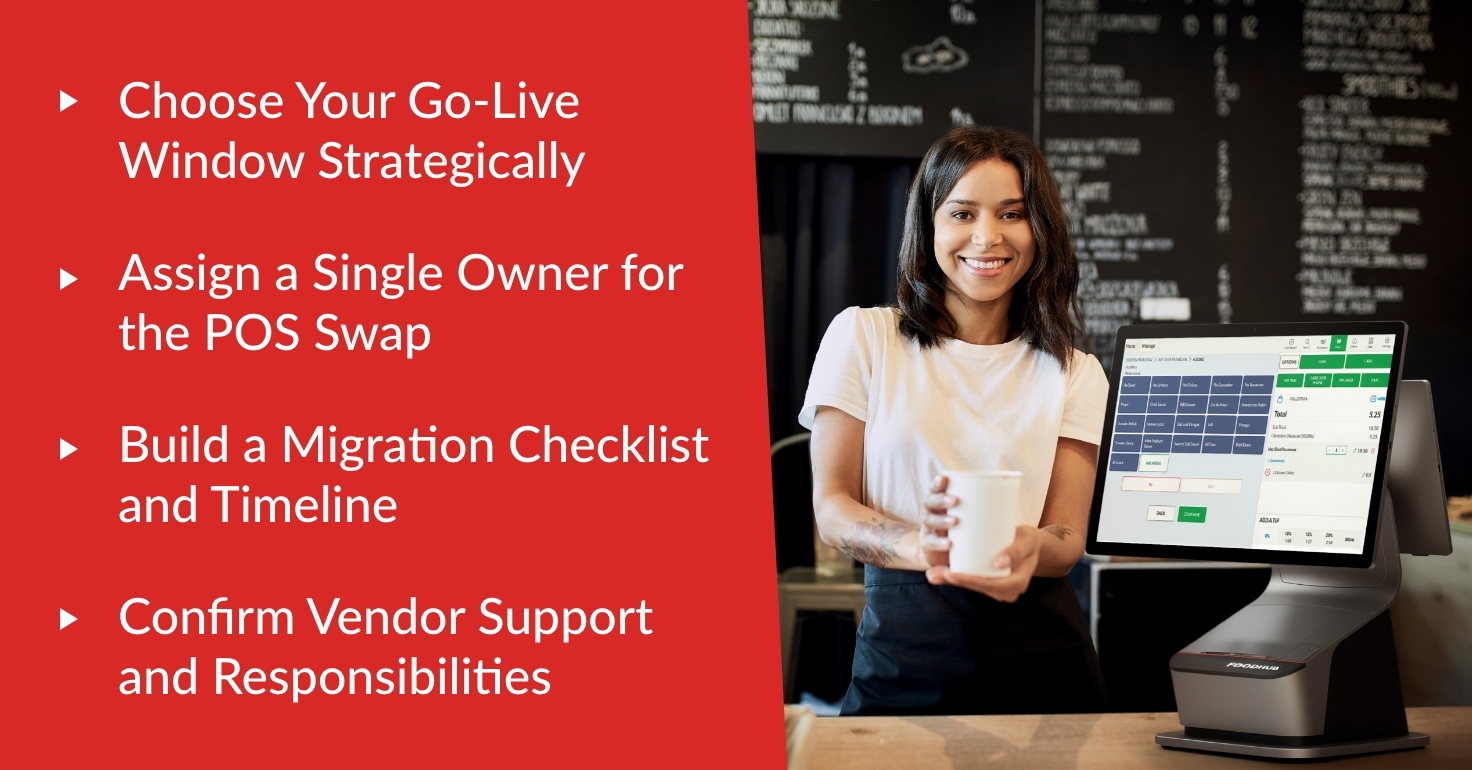
Choose Your Go-Live Window Strategically
Never schedule a POS switch for a Friday night or a holiday weekend. Instead, choose your slowest day of the week, typically a Monday or Tuesday morning.
Perform the hardware swap during a "closed" window if possible. If you are a 24-hour operation, choose the shift with the lowest historical transaction volume.
Assign a Single Owner for the POS Swap
Confusion during a transition often stems from having too many "points of contact." Assign one manager or owner to be the primary decision-maker for the new system.
This person should be responsible for communicating with the POS provider and the restaurant staff. Having a single source of truth prevents conflicting instructions and missed tasks.
Build a Migration Checklist and Timeline
Create a document that outlines every single task, from exporting the menu to training the last cashier. Assign a deadline and a responsible party for each item on the list.
A checklist keeps the project on track and ensures that small details, like gift card migration, are not forgotten. It also serves as a post-migration audit tool.
Confirm Vendor Support and Responsibilities
Ask your new POS provider exactly what they will manage during the transition. Some companies offer on-site support, while others provide only remote assistance.
Ensure you have a direct line to a senior support engineer on the day you go live. Knowing exactly who to call can save your business from extended POS downtime.
Step-by-Step: How to Switch POS Systems Without Downtime
Following a logical sequence of steps reduces the complexity of the migration. This structured approach helps identify potential problems before they affect your customers.
Step 1: Audit Your Current Restaurant POS System Setup
Before looking forward, you must look at your current system. Document every workflow that your staff uses on a daily basis.
Export your complete menu, including all modifier groups and pricing tiers.
Note your current tax rates and service charge configurations.
List every piece of hardware, including printers, cash drawers, and mobile POS systems.
Step 2: Back Up and Clean Your Data Before Migration
Migration is the perfect time to "clean house" and remove outdated information. Do not move dead menu items or inactive employee profiles to your new system.
Standardize the naming conventions for all your items. If one system calls a "Soda" a "Soft Drink," ensure it is updated to your preferred term before the data move.
Step 3: Configure the New POS in a Sandbox First
Most modern POS systems offer a "sandbox" or testing environment. This is a private version of your system where you can build your menu without affecting your live operations.
Spend time configuring your modifier logic and kitchen routing rules here. Test every POSsible order combination to ensure the pricing and taxes calculate correctly.
Step 4: Set Up Hardware and Network for Stability
A cloud based POS system relies on a strong network backbone. Before installing new POS hardware, perform a stress test on your Wi-Fi and ethernet connections.
If you are using mobile POS systems, ensure you have full signal strength in all corners of your dining room. Replace any frayed cables or outdated routers to prevent future connectivity issues.
Step 5: Run Parallel Testing to Prevent a Service Crash
Parallel testing involves running your old system and your new system side-by-side. For a period of 24 to 48 hours, enter every "real" order into both systems.
Compare the kitchen tickets and the final receipts from both machines. If the totals match exactly, you can be confident that your new POS software is ready for prime time.
Step 6: Train Staff for the Exact Shifts They’ll Work
Generic training videos are rarely enough for a busy restaurant team. Conduct hands-on training sessions using the actual menu your staff will use.
Focus on role-based training. A kitchen lead needs to know how to clear the KDS, while a bartender needs to know how to manage open tabs and split checks.
Step 7: Go Live With a Phased Rollout
A "hard cutover"—where you turn off the old system and turn on the new one all at once—is the most risky approach. Instead, try a phased rollout.
Start by using the new system for just your takeout or delivery orders while keeping the dining room on the old system. Once you are confident, move one station at a time until the transition is complete.
Launch Day Checklist for a No-Downtime POS Switch
The day you fully switch POS system operations is the most critical. Use this checklist to ensure every component is functioning perfectly before the first customer arrives.
Payment Connectivity: Process a $0.01 test transaction on every terminal to verify the payment gateway.
Kitchen Routing: Send a test order from every station to ensure it prints at the correct bar or kitchen printer.
Online Ordering: Verify that your website and third-party delivery apps are successfully receiving and printing orders.
Staff Logins: Ensure every scheduled employee can log in and that their permissions (voids, comps, etc.) are correct.
Offline Mode: Briefly disconnect the internet to confirm that your new POS system can still take orders in offline mode.
The First Week After the POS Swap
The transition doesn't end when the hardware is installed. The first week is about monitoring the new system and making small adjustments to improve efficiency.
Monitor Error Patterns
Watch for recurring issues, such as missing modifiers or delayed kitchen tickets. If multiple staff members are making the same mistake, it may indicate a menu design flaw rather than a training issue.
Track any refunds or voids that occurred because of system confusion. Analyzing these errors will help you fine-tune your configuration for better performance.
Fine-Tune Prep Times and Routing
Every sale system handles prep times and kitchen routing slightly differently. During the first week, monitor the actual time it takes for food to get to the guest.
You may need to adjust the lead times on your online ordering system to prevent the kitchen from being overwhelmed. Accurate timing is a key driver of customer satisfaction.
Review Reporting Accuracy
At the end of each day, compare your sales categories, taxes, and tips against your bank deposits. Ensure that the data flowing from your new POS into your accounting software is accurate.
Inconsistent reporting can lead to major financial discrepancies if not caught early. Modern POS systems should make this process easier, not more difficult.
Common Mistakes to Avoid When You Switch POS Systems
Even the most experienced restaurant operators can make mistakes during a technology transition. Being aware of these common pitfalls will help you avoid them.
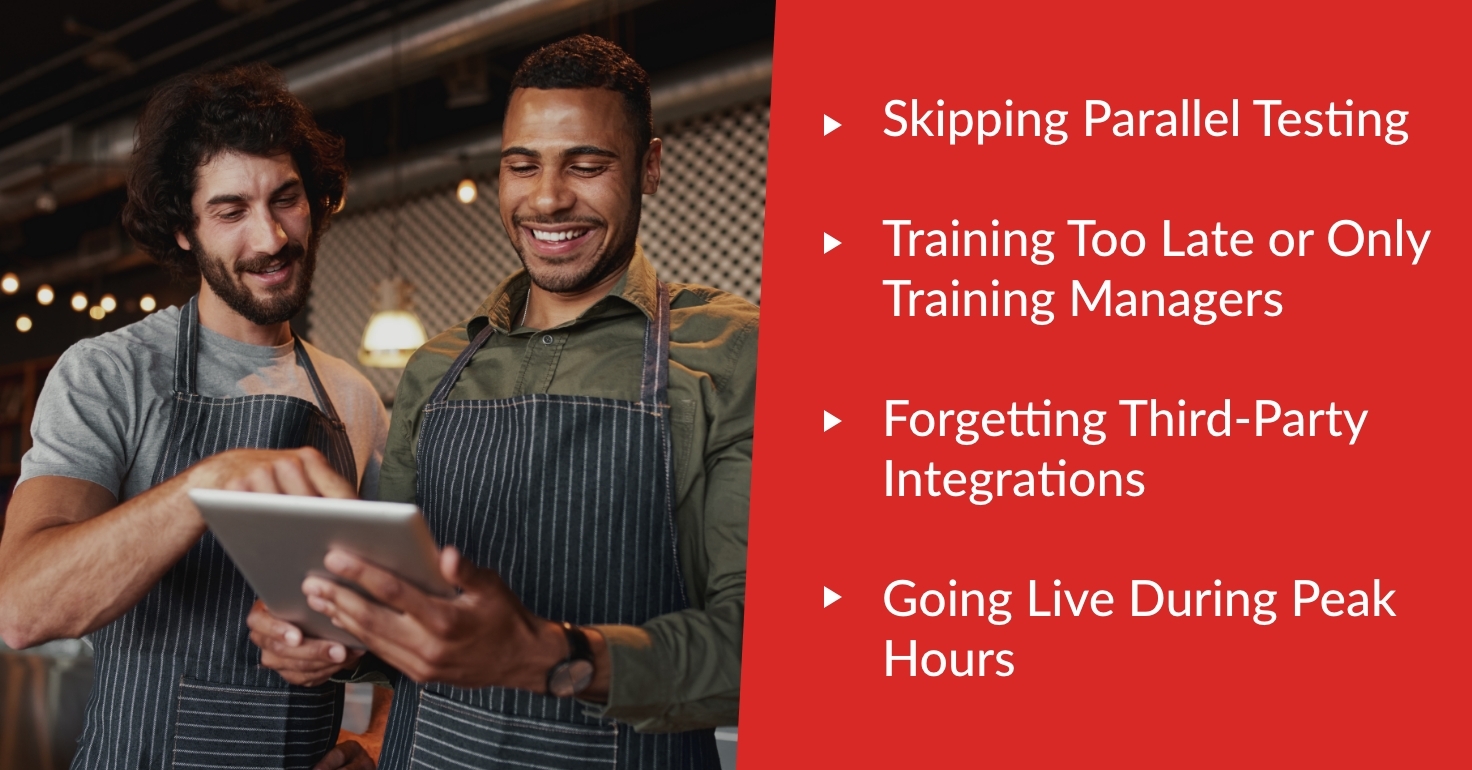
Skipping Parallel Testing
Many owners are tempted to skip parallel testing because it takes extra time. However, this is the only way to catch menu errors before they affect a real customer.
Entering "test" orders is not the same as entering real-time orders during a live shift. Parallel testing provides a level of stress that simulated tests cannot match.
Training Too Late or Only Training Managers
If you train your staff weeks before the switch, they will forget what they learned. If you only train managers, the managers will be too busy solving basic problems to actually run the shift.
Schedule training sessions within 48 hours of the go-live date. Ensure that every person who will touch the system has at least thirty minutes of hands-on practice.
Forgetting Third-Party Integrations
It is easy to focus on the physical hardware in your restaurant and forget about your digital presence. Ensure that your loyalty programs, gift cards, and delivery platforms are ready for the new POS provider.
If these integrations are not updated, you may lose valuable customer data or fail to process digital payments correctly. A complete POS solution should manage all these channels seamlessly.
Going Live During Peak Hours
Some vendors suggest going live on a Saturday morning so they are "available" if things go wrong. This is almost always a mistake for a busy restaurant.
The pressure of a high-volume weekend makes it impossible to solve technical issues calmly. Always choose a time when the stakes are as low as possible.
Master Your Restaurant Technology Transition
Making the decision to switch POS system providers is a significant step toward improving your restaurant management and increasing your profitability. While the process requires careful planning, the benefits of a modern POS system—including better inventory tracking and a superior customer experience—are well worth the effort. By following a structured, step-by-step approach, you can eliminate the risk of downtime and ensure a smooth transition for both your staff and your guests.
A successful transition is built on a foundation of clean data, robust hardware, and well-trained employees. When these elements come together, your new restaurant POS system becomes a powerful tool that simplifies your operations rather than a source of stress. The ultimate goal is to reach a point where your technology works so well that you don't even have to think about it.
At Foodhub for Business, we specialize in helping restaurant operators upgrade their technology without the headache. Our all-in-one ecosystem is designed for ease of use and maximum reliability, ensuring that your business never skips a beat during a migration.
Don't let the fear of downtime hold your restaurant back from the tools it needs to grow. Book a demo with Foodhub today and let our experts guide you through a perfect, no-downtime switch POS system experience.